The Small Website Owner's Guide to Running a Games Section in 2026
You can run a games section on a small website with little money and little maintenance if you embed games from a provider that permits it, load them only when a visitor asks, test on real phones and watch the result. This is the whole job in one place. Each section gives the short answer, the evidence behind it and a link to the guide that goes deeper.
Evidence and dates. Measurements were made in Chrome 155 on 16 October 2026 against PlayKovo's public embed feed (90 games when we measured, 92 a few days later). Prices and policies were read from their providers' pages on the same date. We say where something is our judgment, and where we could not test.
1. Decide whether it fits your site
A games section can add a reason to stay, but it can also dilute a site. Check these first:
- Does your audience have a few minutes to spare, on a phone or at a desk?
- Does a game suit your topic and tone?
- Can you maintain it, for under an hour a week once set up?
If the answer to the first two is no, skip it. If you proceed, start small: five to ten games. Our launch plan gives a 30-day calendar, and our guide on why more games do not always bring more traffic explains why small is fine.
2. Choose a technology that matches your skills
| Your setup | Approach | Guide |
|---|---|---|
| A website builder such as Wix | One HTML iframe element per game | Wix guide |
| A static site (GitHub Pages, Netlify, Cloudflare Pages) | A build script that turns the feed into pages | Static site guide |
| A Next.js site | Server components with a cached fetch | Next.js guide |
| WordPress | A Custom HTML block | WordPress guide |
| A community or forum | A page of its own, not threads | Mini arcade guide |
One fact shapes all of these: PlayKovo's feed sends no CORS headers, so a browser on your site cannot read it. Fetch it on a server or at build time. You do not need a database for a small library: see the no-database guide.
3. Source the games legally
Playing a game for free is not permission to redistribute it. Use a provider that states, in writing, that its games may be embedded, and read the terms. For PlayKovo the published rules include: credits and branding stay visible; the games may not be passed off as yours; the files may not be downloaded and self-hosted, even for open-source games; ads inside games may not be blocked or hidden; and a game must be removed within three business days of a request.
Our guides: is it legal to embed HTML5 games, host yourself or use a distributor, fourteen questions to ask a distributor and evaluating a provider.
4. Choose games for your audience
Select by fit, not by the size of the catalog. Score candidates on device fit, session length, controls, tone and layout. The feed tells you device support and orientation for every game, which makes this quick. Our guides: choosing games for your audience, a starter library of 20, games for news sites and a 30-game worked collection.
5. Make it fast
This is the biggest lever. In our test, opening one embed for the first time moved about 1.6 MB, mostly shared scripts rather than the game. Four embeds loaded immediately cost 1.56 MB and 216 requests; four lazy-loaded embeds far below the fold cost 0.03 MB; four click-to-play posters cost nothing until clicked. The game files themselves had a median of 203 KB, ranging from nothing measurable to about 19.9 MB.
Use click-to-play posters. See how to prevent games from slowing your site and the lightweight games list.
6. Make it work on phones
Of the 90 games, 73 were declared for desktop and mobile and 17 for desktop only. Show Desktop and Mobile badges before the click and hide desktop-only games from phones. Portrait games need a tall frame (9:16, up to 420 px wide), landscape games a 16:9 frame. Touch-friendly genres (puzzle, hypercasual and simple arcade) describe one tap or one drag. See mobile-first games, genres for touchscreens and fullscreen problems.
7. Make it accessible
You cannot fix a game's insides, but you control the play button, the frame's title, the focus flow and the copy. Our own audit with axe-core found contrast, naming and landmark problems on our game previews, which we fixed. See making embedded games accessible.
8. Handle ads and money honestly
Whoever hosts the game controls the ads inside it. PlayKovo's program pays partners nothing and has no revenue share. You can earn from ads on your own pages, but AdSense's rules around games recommend at least 150 pixels between ads and a game, bar ads shown before gameplay and warn about accidental clicks. See who is responsible for ads inside games and monetizing a site with third-party games.
9. Organize the games
Use five to eight categories, treat tags as filters, publish a category page only when it has at least five games and write real collection pages for real needs. See categories and tags, collection pages and genre collections.
10. Measure what matters
A page view is not a play. Click-to-play gives you a play-start event, which is the best signal an embed allows. Test changes with a clear metric and the sample size your traffic can support. See measuring plays, A/B testing and why visitors leave without playing.
11. Keep it working
Browsers update about every four weeks and embeds can break. A daily check of the feed, the embed addresses and a few real-browser plays takes about a minute for 92 games. See a simple monitoring system, blank iframe fixes, why games break after browser updates, replacing removed games and what maintenance really takes.
12. Budget realistically
A static site with a plain .com domain, free hosting and embedded games can cost about $11 in the first year at the prices we read. See a budget under $50.
A one-page launch checklist
| Done | Task |
|---|---|
| Picked 5 to 10 games, scored for my audience | |
| Read the provider's terms, saved the version and date | |
| Built the pages (poster that starts on click, 9:16 or 16:9 frame) | |
| Showed Desktop and Mobile badges | |
| Tested on a real phone and with a keyboard only | |
| Set up play-start tracking | |
| Placed my own ads at least 150 pixels from any game | |
| Added a daily monitor | |
| Wrote my own description for each game on its own page | |
| Scheduled a monthly review |
A game to start with
Try it live · PlayKovo catalog
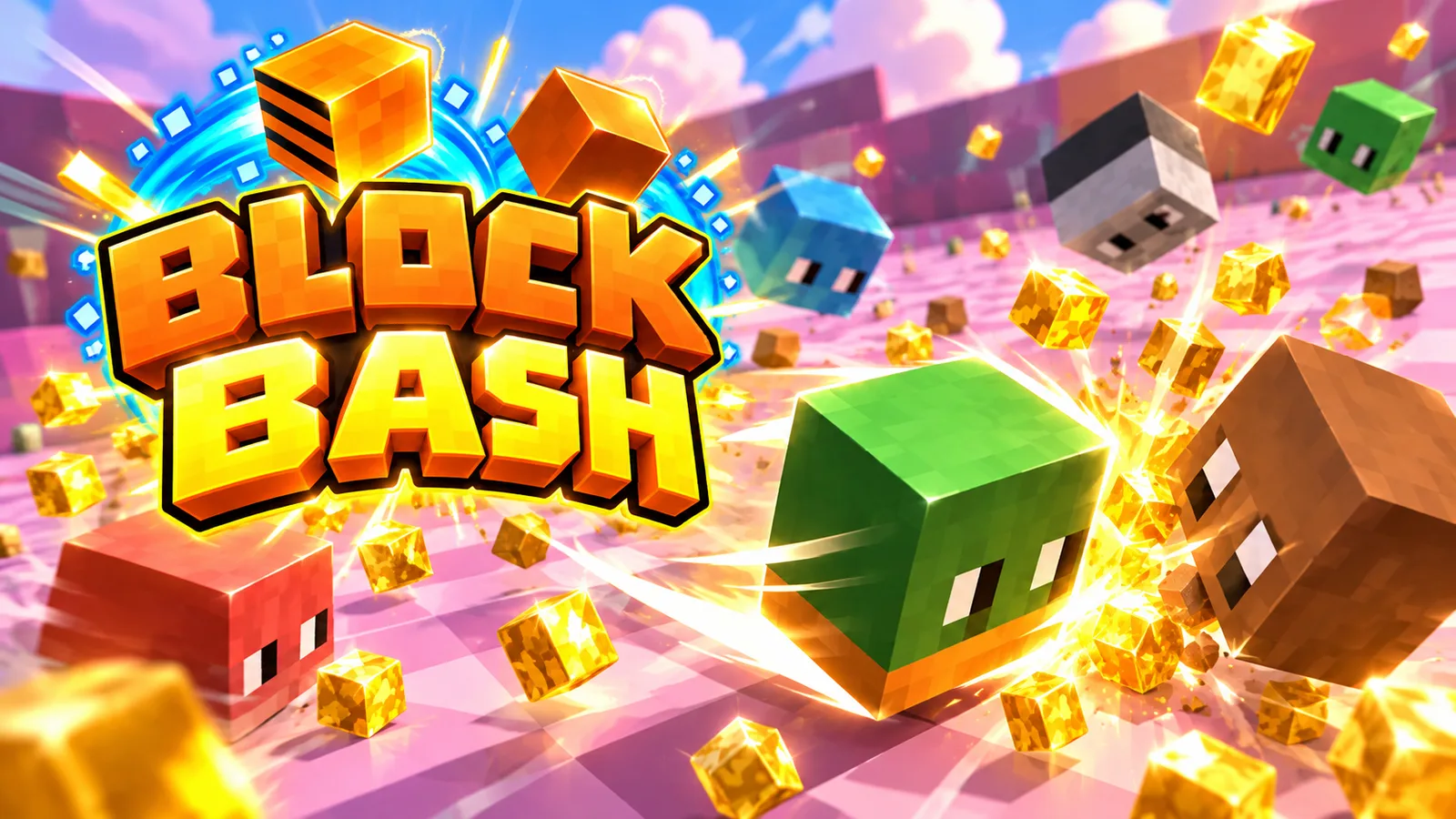 DesktopsupportedMobilesupported
Eat gold, grow your block head and bash rivals in a wild voxel .io arena, and climb the leaderboard!
Disclosure: BlogKovo is part of the Kovo family, which includes PlayKovo. We use PlayKovo's feed and terms as the worked example because we can read and test them. The method applies to any provider.
Related Posts
We Compared 20 Embeddable Games for Small Websites
We opened 20 games from PlayKovo's embed catalog in real Chrome, on desktop and with a phone profile, pressed play and recorded what loaded, what failed and how heavy each was. Here are the results, what the numbers do and do not tell you, and which games we would start with.
Should You Host HTML5 Games Yourself or Use a Game Distributor?
For most websites the answer is a distributor, and bandwidth is not the reason. Here is a neutral comparison of cost, updates, licensing, control and maintenance, with measured game sizes behind the cost arithmetic.
How to Handle Fullscreen Problems in Embedded Browser Games
Fullscreen fails for three reasons: the iframe lacks permission, the browser does not support it for that element, or the request was not a user action. We tested each in Chrome 155 and built a CSS fallback for browsers with no Fullscreen API.