How to Choose the Right HTML5 Games for Your Website's Audience
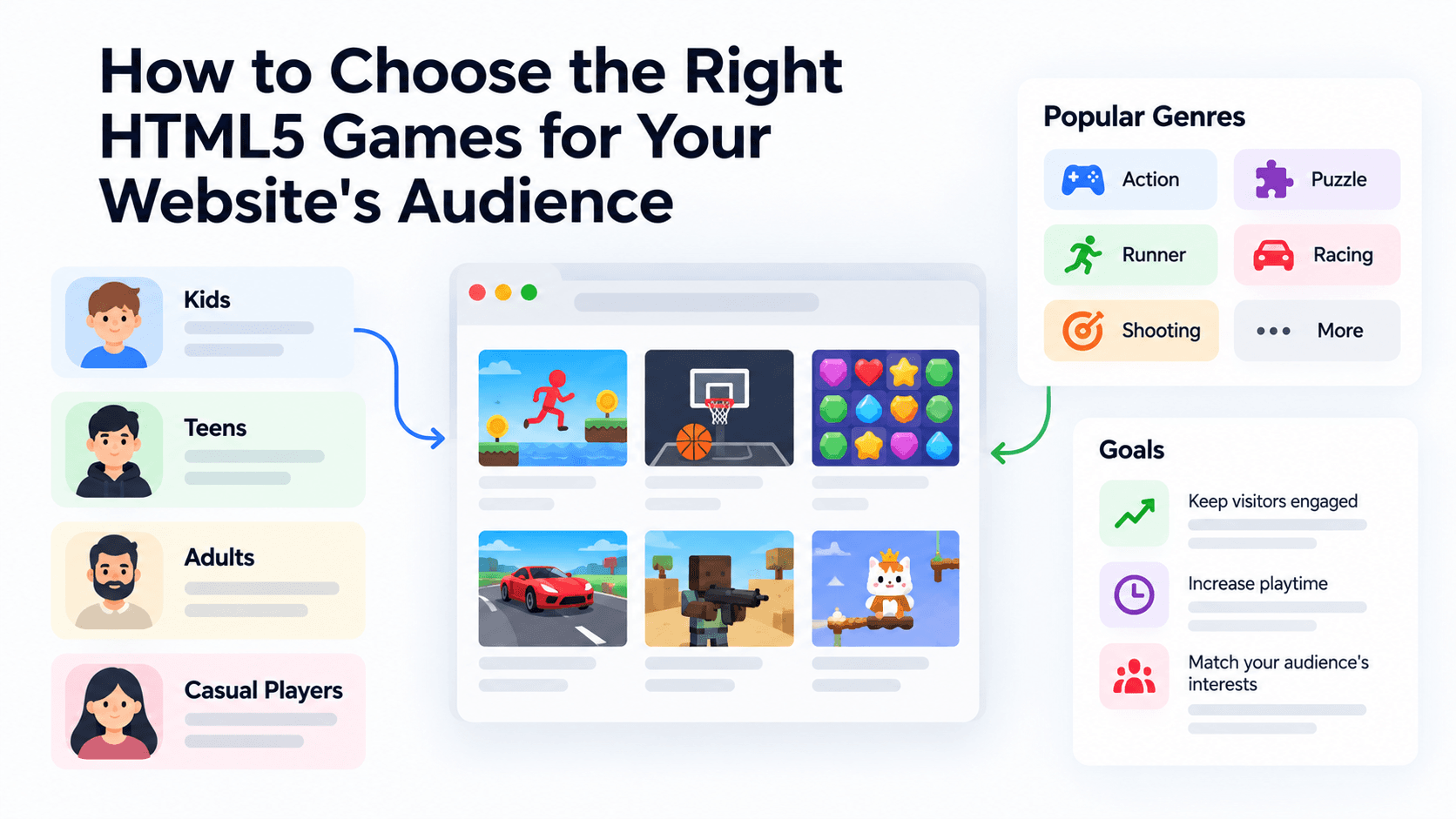
Most site owners pick games the way they pick wallpaper: whatever looks good in the thumbnail. That works until half your visitors are on phones and the game you chose needs a keyboard, a mouse and a pointer lock. This guide gives you a scoring system you can run in a spreadsheet, so the games on your site are chosen for your visitors rather than for the catalog.
The examples use games from the PlayKovo embed catalog. Everything stated about a game (device support, orientation, controls) comes from the public embed feed as read on 13 October 2026. None of it comes from our own device testing, and we will say so where it matters.
Start with four questions about your visitors
Before you open any catalog, write down answers to these. Guessing is fine for a first pass, but your analytics will give you better numbers.
- What share of visits comes from phones? Check your analytics device split. If it is above half, a desktop-only game is a poor use of a slot.
- How long does a typical visit last? A news reader who stays 90 seconds will not start a 20-minute strategy match. A community member who comes back daily might.
- Why do people arrive? To read, to chat, to get an answer, to kill time. The game should match that mood rather than fight it.
- Who are they? Age range and tone matter. A parenting blog and a gaming forum should not share a shortlist.
The five-criterion scorecard
Rate every candidate game from 0 to 3 on each criterion. Be strict: a 3 should be rare.
- Device fit. 3 means the feed declares support for all devices and your audience is mixed. 0 means desktop only while most of your visitors are on mobile.
- Session fit. 3 means a round or a level takes about two minutes or less and can be abandoned without loss. 0 means it needs ten minutes or more to feel rewarding.
- Controls. 3 means one input (tap, click or a single drag). 2 means two inputs. 1 means a keyboard-plus-mouse combination. 0 means it needs pointer lock, many keys or both hands on a phone.
- Tone fit. An editorial judgment: does the game's theme belong next to your content? Violent shooters beside a recipe blog score low.
- Layout fit. How well the game's orientation suits your embed slot. The default PlayKovo embed code is a 16:9 landscape box, so landscape and "any" games score 3 there, while portrait games score 1 unless you use a portrait frame.
Weight the criteria for your kind of site
Not every site cares equally about every criterion. Assign weights that add up to 10:
| Site type | Device | Session | Controls | Tone | Layout |
|---|---|---|---|---|---|
| News site | 3 | 3 | 2 | 1 | 1 |
| Blog | 2 | 2 | 2 | 3 | 1 |
| Game portal | 3 | 1 | 2 | 2 | 2 |
| Community | 2 | 2 | 1 | 3 | 2 |
The formula is simple. Multiply each rating by its weight, add the five results, divide by 30 and multiply by 100. A game that scores 3 on everything gets 100.
Worked example: a news site
Here is the scorecard applied to five games from the embed feed, using the news-site weights (Device 3, Session 3, Controls 2, Tone 1, Layout 1). The ratings are our editorial judgments based on the feed descriptions, not measurements.
| Game | Device | Session | Controls | Tone | Layout | Score |
|---|---|---|---|---|---|---|
| Orbit Keeper | 3 | 3 | 3 | 3 | 1 | 93 |
| Cream 2048 | 3 | 2 | 3 | 3 | 3 | 90 |
| Water Sort Puzzle | 3 | 2 | 3 | 3 | 1 | 83 |
| Lumira: Word Puzzle Game | 3 | 2 | 2 | 3 | 1 | 77 |
| Underrun | 0 | 1 | 1 | 1 | 3 | 30 |
Why these numbers:
- Orbit Keeper is a one-tap game in the "hypercasual" style: the feed says a tap flips the dot, and each tap earns a point. It is declared for all devices and a round ends quickly. It loses points only on layout, because it is a portrait game.
- Cream 2048 is declared for all devices and landscape. The feed lists swipe on mobile and arrow keys or WASD on desktop. Rounds are short, but a game of 2048 can run on, so session fit gets a 2.
- Water Sort Puzzle and Lumira are portrait games with tap or swipe controls. Lumira's drag-across-letters gesture is slightly more demanding than a tap, so its controls score is a 2.
- Underrun is a top-down shooter that the feed marks as desktop only, with keyboard movement and mouse aiming. For an audience that is mostly on phones, it is the wrong pick regardless of how good it is.
To see how device fit changes a score, start Underrun and check its badges: it is desktop only. Then compare it with Sky Isles, which is declared for both desktop and mobile.
Try it live · PlayKovo catalog
Fight through a hacked facility as a lone hacker-soldier, gunning down rogue spider-bots and sentries while rebooting every CPU to unlock the exit and reach the next level.
Explore a dreamlike world of floating pastel islands, ring the wind chimes in order, and glide between the clouds.
What the same method suggests for other site types
These are starting points, not rankings. Run your own scorecard before you commit.
- Blog. Tone carries the most weight. Calm, text-friendly games fit reading sites: Minesweeper Kovo (three difficulties, declared for all devices, either orientation) and Lumira.
- Game portal. Depth and variety matter more than session length. The feed's many .io titles suit this, for example Sumo.io - Push Them Off and Hex Drop.io, both declared for all devices and landscape.
- Community. Look for games that produce a comparable result, so members have something to talk about. Stack Tower (build the tallest tower you can) and Orbit Keeper (survive as long as you can) both give a simple score to compare.
Limits of this method
A scorecard narrows a shortlist. It does not replace playing the game.
- Declared is not tested. Device support and orientation in the feed are what PlayKovo declares. Open each shortlisted game on a real phone before you publish it.
- Ratings are opinions. Two editors will score tone differently. That is fine, as long as you apply the same rules to every candidate.
- Your audience changes. Re-score every quarter against fresh analytics.
A five-step routine
- List ten candidate games from the PlayKovo catalog, using the catalog or the feed.
- Score each one against your weights.
- Keep the top five or six and play each on a phone and a laptop.
- Publish, then watch which pages visitors actually spend time on.
- Replace the lowest performer each month with the next-best candidate from your list.
That routine gives you a games section built on your own evidence, and it takes an afternoon to set up.
Related Posts
A Curated 20-Game Starter Library for a New Arcade Website
Twenty embeddable HTML5 games from the PlayKovo catalog, balanced across puzzle, casual, arcade, action and sports, with controls, device support and publishing notes for each.
How to Compare Free HTML5 Game Catalog Providers Before Embedding
An independent checklist and scoring grid for comparing HTML5 game catalog providers, applied to PlayKovo, Playgama and GameMonetize using only what each publishes.
How to Build a Mobile-First HTML5 Games Section That Actually Works
Why game selection comes before page design on mobile, how portrait and landscape games differ in an embed, and a mobile test log you can fill in on your own devices.