How to Replace Broken or Removed HTML5 Games Without Losing Visitors
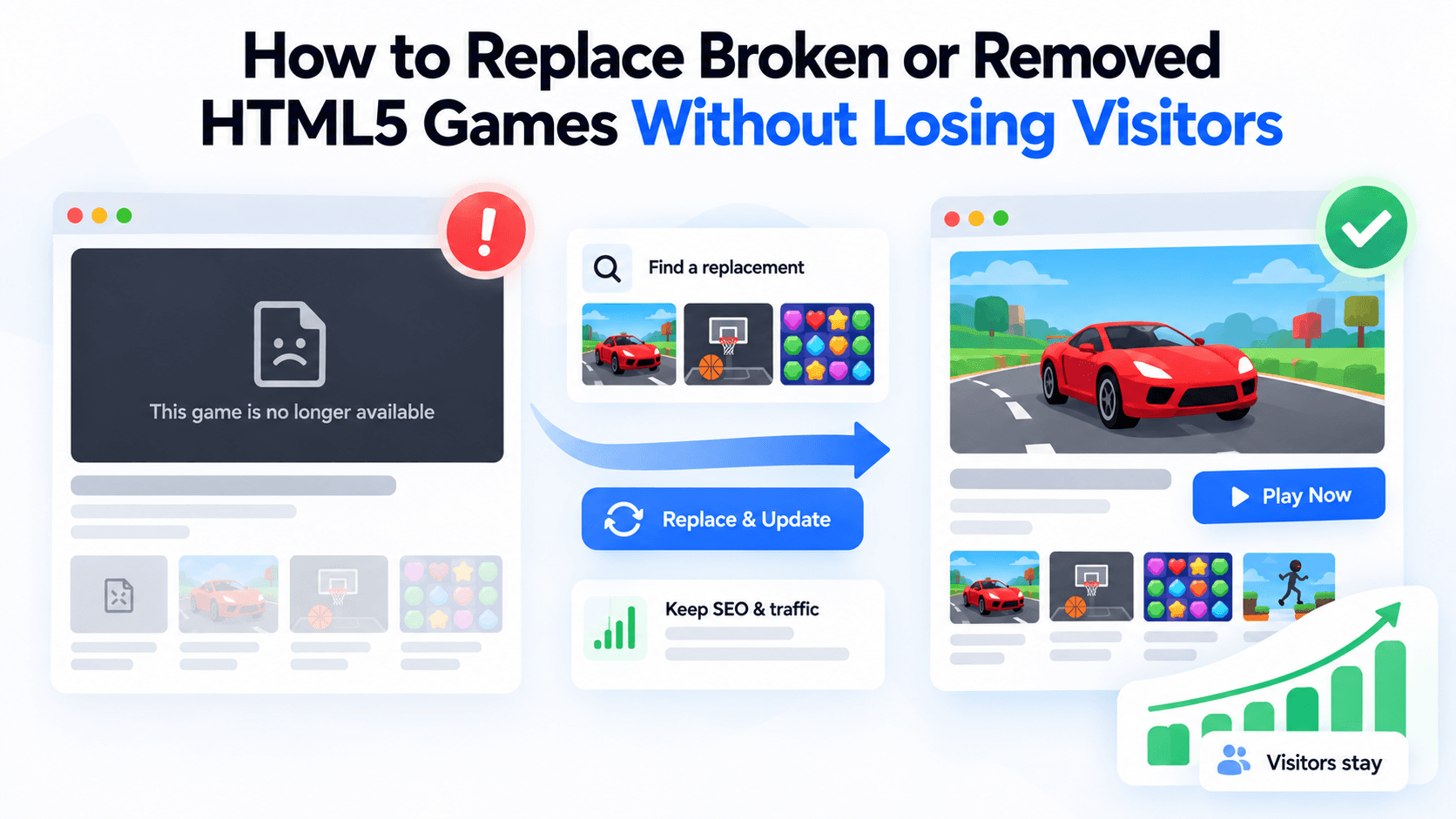
Every games section will lose a game sooner or later. A developer pulls a title, a provider changes its catalog, or your own security settings quietly break a frame. What matters is how fast you notice and what your visitors see in the meantime. A blank grey box on a page that used to work is a quick way to lose a returning visitor.
This guide gives you a process: diagnose, decide, replace and communicate. The examples use the PlayKovo embed feed as read on 13 October 2026.
First, work out which problem you have
A "broken game" is really one of three different situations. Each needs a different response.
| Situation | What you see | Likely causes | Response |
|---|---|---|---|
| Broken frame | Blank or grey box. The game's page on the provider's site still works | Your content security policy blocks the frame; the allow attribute was edited; a plugin rewrote your embed code | Fix your page. The game is still available |
| Temporary outage | Frame loads slowly, errors for a while, then recovers. The game is still in the feed | Provider or network trouble, a deploy in progress | Wait, keep the page, add a visible notice if it lasts |
| Permanent removal | The game has disappeared from the feed and its embed address no longer works | The developer or provider withdrew it, or a takedown request was made | Remove the embed, redirect or retire the page, offer an alternative |
The mistake to avoid is treating a broken frame as a removal. Check your own page first.
Step 1: Diagnose in five minutes
- Open the embed address directly in a new tab. If it loads, the problem is on your page.
- Open the browser console on your page. A content security policy message means you must allow frame-src https://playkovo.com.
- Compare your code with the feed. Look at the allow attribute and the source address.
- Check the feed. Is the game's slug still listed? The feed address is https://playkovo.com/api/embed-games?format=json.
- Try again after a short wait. If it recovers, note the date and move on.
On 13 October 2026, all 90 games in the feed returned HTTP 200 on their embed addresses. That is a healthy baseline, and it is why a blank box is far more often a problem on your side.
Step 2: Detect removals before your visitors do
Do not rely on visitor complaints. The feed lists the games that are currently available, so removal detection is a simple comparison.
- Keep a list of the slugs you embed.
- Fetch the feed on a schedule. It is cached for five minutes, so hourly is plenty.
- Flag any slug in your list that is missing from the feed.
- Review the flag the same day.
The terms give you three business days to remove a game when PlayKovo asks, and a game that leaves the feed must come off your site as well. A same-day review keeps you comfortably inside that.
Step 3: Choose a replacement the way a visitor would
A replacement should feel like a sibling of the game it replaces. Use this order of priority:
- Same device support. If the old game worked on phones, so must the new one.
- Same orientation. Swapping a portrait game for a landscape game changes your frame and your layout.
- Same genre or category. Match the primary category first, then the tags.
- Similar session length. A quick tap game should not become a long strategy game.
- Similar controls. Keep one-finger games one-finger.
A worked example from the live feed
Imagine Water Sort Puzzle is removed. It is declared for all devices, portrait, in the puzzle, brain and casual categories. Filtering the feed for the same device and orientation and ranking by shared categories and tags puts these first:
- Hexa Stack 3D: puzzle, hypercasual, casual; drag colourful stacks onto a board.
- Arrow Escape: puzzle, arcade, casual; tap arrows in the correct order.
- Screw Pop: puzzle; unscrew bolts in the right order.
A human editor would probably pick Arrow Escape or Screw Pop as the closest match for a short, tap-driven puzzle, and Hexa Stack 3D if the audience likes sorting. The ranking narrows the choice; your judgment finishes it.
A second example: Hex Drop.io is declared for all devices, landscape, in the io, arcade and casual categories. The same filter lists Robo Sweep.io, Rainbow Run and Hexanaut.io near the top. Rainbow Run is a quite different game (an endless runner), which shows why you should read the description and not stop at the ranking.
Open the original and one of its suggested replacements to judge the match yourself:
Try it live · PlayKovo catalog
Run, jump and push across falling hexagon floors, solo or in teams. Every tile drops after you step on it. Be the last one standing!
Short description: Loop your tail around hexagonal tiles to capture territory, dodge rivals, and become the King of the map in this free 3D multiplayer .io game.
Step 4: Handle the URL properly
The old game page may have inbound links and some search visibility. What you do with it depends on the cause.
- Broken frame or short outage: keep the page live at the same address. Show a notice above the frame ("This game is having trouble loading. Try again shortly, or play one of these.") and keep the alternatives visible.
- Permanent removal with a close replacement: redirect the old address permanently to the replacement's page, or to the collection it belonged to. Say on the destination page that the game moved.
- Permanent removal with no sensible replacement: serve a clear "not found" or "gone" response, not a blank page with a normal status. A page that looks alive but is empty confuses visitors and search engines.
- Never leave an empty frame on a live page.
Step 5: Design the failure state
Prepare a fallback block for your game template now, so you are not improvising later:
- the game's thumbnail, so the page still looks intentional;
- one sentence saying what happened, in plain words;
- three alternatives from the same collection, with thumbnails and links;
- a link back to the games hub.
Sample wording you can adapt: "This game is no longer available. Here are three similar ones you might enjoy."
Keep it free of jargon. Visitors do not need to know about feeds and permissions.
Step 6: Update your records
- Remove the game from your audit sheet's active list and note the date and reason.
- Update collection pages, the hub, internal links and any sitemap entries.
- Replace the game in newsletters or social posts if it was a featured pick.
A short runbook
| When | Do this |
|---|---|
| A visitor reports a blank frame | Check your console and content security policy first |
| The feed no longer lists a game | Remove or redirect the page the same day |
| PlayKovo asks you to remove a game | Remove it within three business days, faster if legal or security reasons are given |
| A game is slow for a day | Keep it, add a notice, recheck tomorrow |
| You need a replacement | Same device, same orientation, same genre, similar session |
The takeaway
Most "broken games" turn out to be problems with your own page. For real removals, the combination of a weekly or hourly feed check, a ready-made fallback block and a clear replacement method means your visitors see a tidy page instead of an empty box.
Related Posts

How to Choose the Right HTML5 Games for Your Website's Audience
A five-criteria scoring system for picking embeddable HTML5 games that fit a news site, blog, game portal or community, with a worked example using real PlayKovo catalog games.
A Curated 20-Game Starter Library for a New Arcade Website
Twenty embeddable HTML5 games from the PlayKovo catalog, balanced across puzzle, casual, arcade, action and sports, with controls, device support and publishing notes for each.
How to Compare Free HTML5 Game Catalog Providers Before Embedding
An independent checklist and scoring grid for comparing HTML5 game catalog providers, applied to PlayKovo, Playgama and GameMonetize using only what each publishes.