How to Add Games to WordPress Without a Plugin
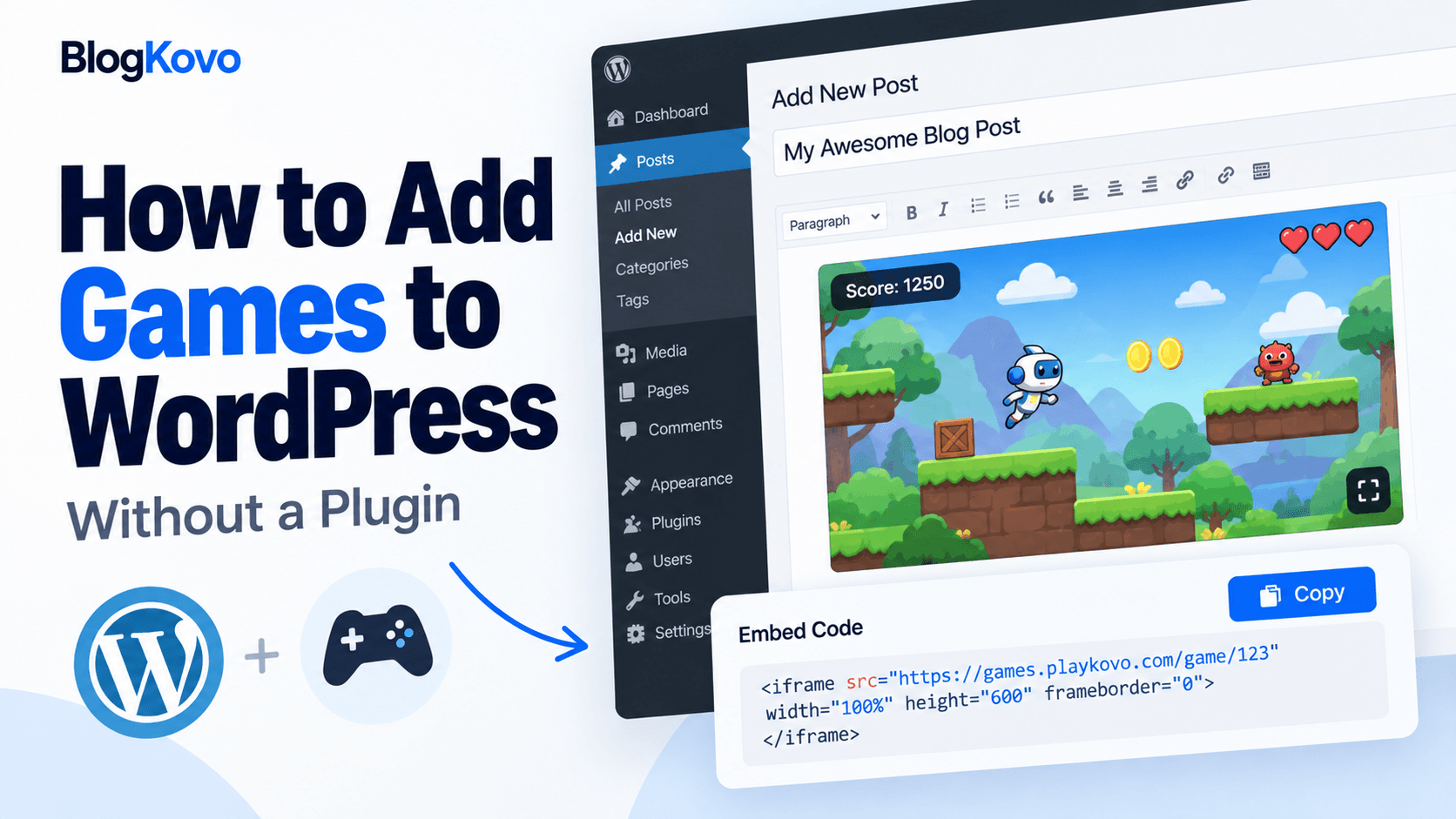
Installing a plugin for something as simple as one embedded game adds another piece of software to keep updated, another potential conflict with your theme, and another thing that can break during a WordPress update. Most of the time, it's unnecessary.
What WordPress Already Gives You
The standard WordPress block editor includes a Custom HTML block, built specifically for pasting raw HTML, including an iframe embed code, directly into a page or post. No plugin required, it's part of core WordPress.
The Steps
- Get an embed code for the game you want to add. PlayKovo's catalog provides ready iframe embed codes for its games.
- Open the page or post in the WordPress block editor where you want the game to appear.
- Add a Custom HTML block at that location, from the block inserter.
- Paste the embed code directly into the block.
- Preview the page before publishing to confirm the game loads and sizes correctly.
As a practical example, here is a game that works on desktop and mobile and uses the standard 16:9 frame, which makes it an easy first test. Play it here, then copy its embed code from the catalog and paste it into a Custom HTML block as described above.
Try it live · PlayKovo catalog
Steer a gummy worm across a candy picnic table, gobble sprinkles to grow long, and trick rivals into crashing into your body. Quick rounds, bots always online, on mobile and desktop.
Why Skip a Plugin for This
- One less thing to update. Every plugin is something that needs maintaining as WordPress itself updates.
- One less potential conflict. Plugins can clash with themes or other plugins, a native block doesn't carry that risk.
- It's already built in. The Custom HTML block exists specifically for cases like this.
When a Plugin Might Actually Be Worth It
If you're planning a large, auto-updating games section with many titles rather than one or two embeds, a plugin (or a custom template pulling from a JSON feed) can make more sense than manually adding Custom HTML blocks to every page. For a handful of games, though, the built-in block is simpler and has less to maintain.
A Note on Responsive Sizing
WordPress's Custom HTML block doesn't automatically make an iframe responsive, so make sure your embed code itself includes proper sizing, or wrap it in a simple aspect-ratio container, rather than pasting a fixed-pixel iframe that breaks on mobile.
FAQ
Do I need a plugin to add a game to WordPress?
No, the built-in Custom HTML block can hold an iframe embed code directly, no plugin required.
Where do I get a game embed code to paste into WordPress?
PlayKovo's catalog provides ready embed codes for its available games.
Will the game embed be responsive on mobile automatically?
Not automatically, make sure the embed code itself uses responsive sizing rather than a fixed pixel width and height.
When should I use a plugin instead of a Custom HTML block?
If you're building a large, frequently changing games section rather than adding one or two games, a plugin or feed-driven template may be worth the extra setup.
Final Thoughts
For most WordPress sites adding a game or two, the native Custom HTML block is simpler and lower-maintenance than installing a plugin for it. Get a working embed code from a source like PlayKovo's catalog, paste it in, and you're done.
Related Posts

How to Choose the Right HTML5 Games for Your Website's Audience
A five-criteria scoring system for picking embeddable HTML5 games that fit a news site, blog, game portal or community, with a worked example using real PlayKovo catalog games.
A Curated 20-Game Starter Library for a New Arcade Website
Twenty embeddable HTML5 games from the PlayKovo catalog, balanced across puzzle, casual, arcade, action and sports, with controls, device support and publishing notes for each.
How to Compare Free HTML5 Game Catalog Providers Before Embedding
An independent checklist and scoring grid for comparing HTML5 game catalog providers, applied to PlayKovo, Playgama and GameMonetize using only what each publishes.