How to Check Whether an HTML5 Game Is Safe and Legal to Embed
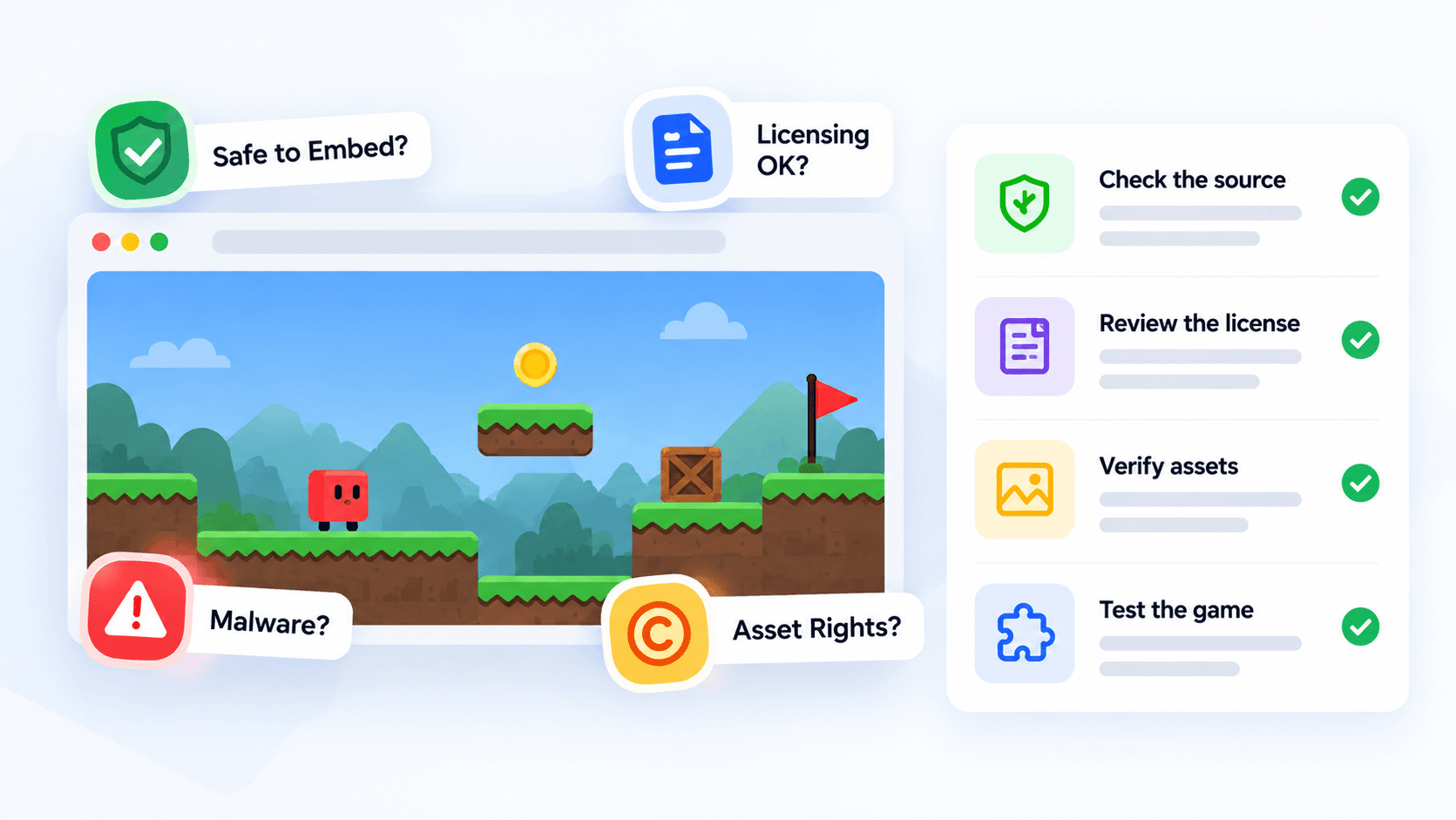
Plenty of websites let you play a game for free. That fact tells you nothing about whether you may put the same game on your own page. Playing is something a visitor does. Distributing is something the owner of the game decides. Mixing the two up is how site owners end up with takedown notices.
This is general information, not legal advice. If real money or a dispute is involved, ask a lawyer. What follows is a practical routine for finding out whether you have permission and whether the embed is technically safe.
Free to play is not the same as free to distribute
A game can be free to play and still be:
- hosted only on its developer's site, with no permission for anyone else to show it;
- licensed to one portal, and to no one else;
- built with music, art or code libraries whose licences stop at the original website;
- open source, yet still not yours to rehost. Source licences cover what you may do with the code, not what you may do with another party's hosted copy.
So the question is never "is it free?" It is "who gave me written permission, and what exactly does it cover?"
The four things to verify
- Who has the right to distribute it. The developer or publisher. Ask for the grant in writing, or use a provider that documents it.
- What the permission covers. Embedding on your site, commercial use, the length of the permission and how it can be withdrawn.
- What the game does around the edges. Ads, redirects, pop-ups and links out of the frame.
- Who else's material is inside. Third-party art, music, fonts and code. If the game's own licence for those does not cover you, you inherit the problem.
How PlayKovo handles it
PlayKovo is one source, and it is useful as a worked example because it publishes its rules.
- Playable is not the same as embeddable. playkovo.com lists 635+ games to play. The public embed feed lists 90. PlayKovo's team approves each game individually for the embed catalog, and a game does not enter it just because it is on the site.
- Hosting stays with PlayKovo. The embed address points to playkovo.com, so the game runs from PlayKovo's servers. The Partner Terms (September 2026 version) forbid downloading the game files and hosting them yourself, including for open-source games.
- The games are not yours. You cannot present them as your own work, add your own copyright notice, studio name or logo over them, or list them elsewhere under your name. You can say "games from PlayKovo" or "powered by PlayKovo".
- Credits stay visible. You may not hide or crop the PlayKovo brand, the developer credit or any licence note shown with a game.
- Ads are outside your control. Games may show PlayKovo promotions or third-party ads, and you may not block, hide or replace them. You also may not place a click-catching button or invisible overlay on top of the frame.
- Removal is on a clock. PlayKovo may ask you to remove a game, and the terms give you three business days (faster for legal or security reasons). A game that disappears from the feed must come off your site as well. If the program ends, you have seven days to remove all embeds.
- No money, today. The terms state that the program does not include payments or a revenue share. Any future revenue arrangement would come with separate written terms.
- Site rules. Partners must be 18 or older, and the site must not host illegal, pirated, adult or hateful content.
Check the current terms yourself before you launch. We summarise them here, but only the published document counts.
Games in the embed feed, like the one below, run from PlayKovo's servers. The credits, branding and any ads inside the frame stay as they are, and that is exactly what the terms above protect.
Try it live · PlayKovo catalog
Eat gold, grow your block head and bash rivals in a wild voxel .io arena, and climb the leaderboard!
The technical safety checks
Permission is not the whole picture. These checks take about ten minutes per game.
- HTTPS only. Every embed address should start with https://.
- The frame loads without surprises. On 13 October 2026 we requested the embed address of all 90 games in the feed. All returned HTTP 200, none redirected, none sent an X-Frame-Options header, and all allowed framing from any site through a frame-ancestors policy. That covers whether the frame can load. It does not cover what happens inside a game during play.
- Your own security policy allows the frame. If your site sends a content security policy, add frame-src https://playkovo.com or the frame will stay blank.
- Keep the default allow list. The standard code grants fullscreen, autoplay, gamepad and pointer lock. Stripping those breaks controls and sound.
- Do not set referrerpolicy="no-referrer". PlayKovo recognises your domain from the referrer, and that is how its analytics work.
- Play a full session and watch. Open the browser's developer tools, play for five minutes and watch for pop-ups, redirects out of the frame and requests to hosts you do not recognise. We did not run this test for the games in this article, and you should.
A permissions and safety audit template
Copy this table into a spreadsheet and keep one row per game. It is your record that you checked before publishing.
| Game | Where permission is written | What it covers | Credit left intact | Ads or redirects seen | Third-party content noted | Takedown contact | Date checked | Checked by |
|---|---|---|---|---|---|---|---|---|
| (game name) | (e.g. provider terms, date) | (embed on my site, commercial, duration) | Yes or no | (describe, or "none seen in 5 min") | (music, art, libraries) | (e.g. partners@playkovo.com) | (date) | (name) |
A sample row, filled in only with what we know:
| Game | Where permission is written | What it covers | Credit left intact | Ads or redirects seen | Third-party content noted | Takedown contact | Date checked | Checked by |
|---|---|---|---|---|---|---|---|---|
| Minesweeper Kovo | Listed in PlayKovo's embed feed on 13 Oct 2026 | Embedding via the provided iframe, under the Partner Terms | Not applicable until you build the page | Not tested | Not checked | partners@playkovo.com (copyright claims go through PlayKovo's DMCA page) | 13 Oct 2026 | (you) |
Notice what the sample leaves blank. We have not played the game for five minutes watching for redirects, so the cell says "not tested". Your own audit should not leave cells empty either: write "not tested" or "none seen" so it is clear which you did.
Red flags that should stop you
- A site that says "play for free" but has no page describing embedding.
- Embed code copied from a game page without any statement that you may use it.
- A game that opens a new tab or a different site when you click inside it.
- A provider that cannot tell you who the developer is.
- Terms that change often without a visible date.
- A request to add your logo over the game or to hide the credits.
Keep a record
For each game, save the terms page (or a screenshot with the date), the embed address and the date you last checked the feed. If a dispute starts, that record is what protects you.
Quick summary
Free to play does not mean free to embed. Verify who gave permission and what it covers, check what the game does around the edges, run the ten-minute technical checks and keep an audit row for every game. Then re-check on a schedule, because permission can be withdrawn.
Related Posts
How to Choose the Right HTML5 Games for Your Website's Audience
A five-criteria scoring system for picking embeddable HTML5 games that fit a news site, blog, game portal or community, with a worked example using real PlayKovo catalog games.
A Curated 20-Game Starter Library for a New Arcade Website
Twenty embeddable HTML5 games from the PlayKovo catalog, balanced across puzzle, casual, arcade, action and sports, with controls, device support and publishing notes for each.
How to Compare Free HTML5 Game Catalog Providers Before Embedding
An independent checklist and scoring grid for comparing HTML5 game catalog providers, applied to PlayKovo, Playgama and GameMonetize using only what each publishes.