How to Build a Mobile-First HTML5 Games Section That Actually Works
The usual advice for a mobile games page starts with the layout: a responsive grid, a fluid iframe, large tap targets. That advice is fine, but it comes second. If the games you chose cannot be played with a thumb, no layout will save the page. Choose first, design second.
All catalog numbers below come from the PlayKovo embed feed as read on 13 October 2026 (90 games). They describe what PlayKovo declares, and they are not results from our own device lab. The test log at the end is blank on purpose: it is for you to fill in.
What the feed says about mobile
Of the 90 games:
- 73 are declared for all devices and 17 are desktop only.
- 60 are landscape, 24 are portrait and 6 work in either orientation.
So a mobile-first section can use roughly four out of five games in the catalog, but a quarter of them are portrait titles, which behave very differently inside a web page.
Landscape and portrait are different design problems
PlayKovo's default embed code is a responsive 16:9 box. It uses loading="lazy" and an allow list that includes fullscreen, autoplay, gamepad and pointer lock. We checked the feed and the same 16:9 code is attached to all 24 portrait games.
That has real consequences on a phone held upright:
- Landscape game in a 16:9 box. The box fills the width, the game fits, and the page keeps a normal shape. This is the easy case. Players may still rotate their phones to get more room.
- Portrait game in a 16:9 box. The game is centred in a wide, short frame and shown at a fraction of the available height. Buttons become small and the thumb target shrinks.
- Portrait game in a portrait box. PlayKovo's documentation offers a separate vertical code with a 9:16 aspect ratio and a maximum width of 420 pixels. That fits the game to a phone screen and stops it from stretching on a desktop.
So the rule is simple: read the orientation field from the feed and choose the matching frame for every game. Do not use one template for the whole section.
Choose the games before you design the page
A short method for mobile-first selection:
- Filter by device. Keep only games declared for all devices. Drop desktop-only titles from mobile pages entirely.
- Sort by orientation. Split what is left into portrait, landscape and either.
- Read the controls text. The feed has a controls field written for mobile and desktop. Look for one-finger input.
- Reject pointer-lock games for phones. If the controls mention pointer lock (for example ClashBall.io, which lists mouse aim and slash with pointer lock), expect poor behaviour on touch screens and test carefully or skip it.
- Play it on a real phone. The feed cannot tell you whether a tap target feels right.
Examples to start from
These are candidates, not verified-on-device recommendations.
Portrait, one-finger controls
- Orbit Keeper: tap anywhere to flip the dot.
- Stack Tower: tap anywhere to drop the block.
- Water Sort Puzzle: tap a tube, then tap another.
- Helix Jump: drag left and right to spin the tower.
Landscape, designed for mobile
- Sumo.io - Push Them Off: joystick on the left, dash button.
- Hex Drop.io: drag to move, button to jump.
- Cream 2048: swipe in any direction.
Works in either orientation
- Minesweeper Kovo: tap to open, long-press to flag.
- Lane Hopper: tap or swipe to hop.
- Jewelsback: drag to swap.
Two landscape games declared for mobile that you can start right now. Open this page on your phone and run the five checks above on them.
Try it live · PlayKovo catalog
Shove your rivals off a shrinking sumo platform in this fast and funny .io brawler. Bump, dash and outsmart the crowd to be the last fighter standing, then spend your coins on hats and…
Run, jump and push across falling hexagon floors, solo or in teams. Every tile drops after you step on it. Be the last one standing!
What we checked automatically
We requested the embed address for all 90 games in the feed on 13 October 2026. All 90 returned HTTP 200 with no redirects, none sent an X-Frame-Options header, and each response carried a frame-ancestors policy that lets any site frame it. The HTML wrapper for each embed was roughly 53 to 55 KB.
That tells you the frames can be embedded on a normal page. It does not tell you how long a game takes to load: the wrapper is only the first step, and the game's own files load afterwards. Treat first-load time as something you must measure yourself.
The mobile test: five checks per game
Run each check on a real phone, not only in a desktop browser's device emulation.
| Check | How to run it | Pass if |
|---|---|---|
| Fit | Open the page in portrait and landscape | No sideways page scroll; the game frame is fully visible |
| Start time | Use a throttled mobile connection (a "fast 3G" style profile in your browser tools) and time from page open to first playable screen | Playable in a few seconds, or a clear loading state appears |
| Touch controls | Play one full round with your thumb | Every control works; nothing needs a keyboard |
| Scroll conflict | Swipe or drag inside the game, then scroll the page | The page does not scroll while you play, and you can still scroll past the frame |
| Fullscreen and sound | Tap the fullscreen option and start a round | Fullscreen works and sound begins after your first tap |
Choose your own threshold for "a few seconds". Whatever you pick, apply it to every game.
A page layout that supports the games
- One game per page. Several iframes on one page slow everything down. The default code already lazy-loads each frame.
- Games above the fold, not above the heading. Visitors should know what the game is before it loads.
- A visible fallback. Show the thumbnail and a "Play" link if the frame fails to load.
- Keep the surrounding space quiet. Do not stack your own banners next to a game; PlayKovo's terms also ban invisible click-catching overlays on top of the frame.
- Do not remove the allow attribute. Taking out fullscreen or autoplay breaks the exact features phone players rely on.
Your mobile test log
Copy this table, fill in one row per game and per device, and keep it with your launch notes. We have left the results empty.
| Game | Device and browser | Orientation | Fit | Start time | Touch controls | Scroll conflict | Fullscreen and sound | Notes |
|---|---|---|---|---|---|---|---|---|
| (game name) | (e.g. phone model, browser) | Portrait | ||||||
| (game name) | (e.g. phone model, browser) | Landscape |
Summary
Mobile-first means the selection step carries the weight. Filter by device, sort by orientation, match each game to the right frame, then test on hardware you can hold. The feed gets you to a good shortlist in minutes. Only your own phone tells you whether it plays well.
Related Posts
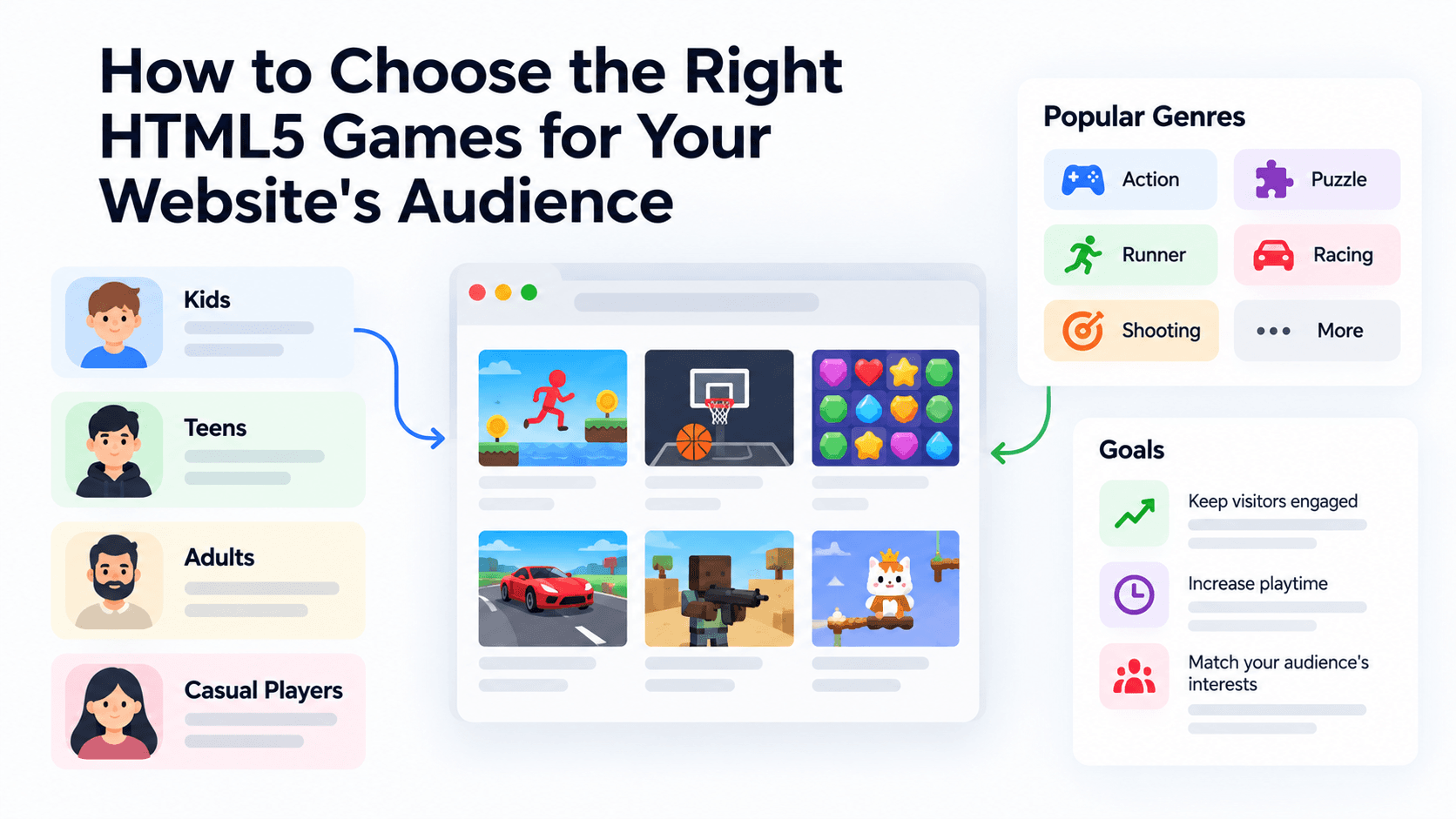
How to Choose the Right HTML5 Games for Your Website's Audience
A five-criteria scoring system for picking embeddable HTML5 games that fit a news site, blog, game portal or community, with a worked example using real PlayKovo catalog games.
A Curated 20-Game Starter Library for a New Arcade Website
Twenty embeddable HTML5 games from the PlayKovo catalog, balanced across puzzle, casual, arcade, action and sports, with controls, device support and publishing notes for each.
How to Compare Free HTML5 Game Catalog Providers Before Embedding
An independent checklist and scoring grid for comparing HTML5 game catalog providers, applied to PlayKovo, Playgama and GameMonetize using only what each publishes.