How to Submit Your HTML5 Game to PlayKovo

If you have built an HTML5 game, getting it in front of players is often harder than making it. Browser game platforms like PlayKovo give your game a place where people already come to play. A well-prepared submission is far more likely to run smoothly and reach players. Here is how to get your game ready.
Before you start: is your game ready?
Platforms want games that load fast and work out of the box. Check that your game:
- Runs in a normal browser tab with no plugin or download.
- Starts without requiring the player to create an account.
- Is fully playable and not a demo with missing content.
- Is your own work, or you have the rights to distribute every asset in it.
Technical checklist
Make it responsive
Players arrive on phones, tablets, and desktops. Your game should scale to the size of its frame. Test at least three sizes: a small phone in portrait, a tablet, and a wide desktop window. Avoid hard-coded pixel dimensions where you can.
Support touch and keyboard
If your game uses the keyboard, add on-screen or tap controls for mobile. A lot of browser game traffic comes from phones, and a game that cannot be controlled by touch will lose most of it.
Keep the file size small
Small games load quickly, and players leave if a game takes too long to start. Compress images and audio, remove unused assets, and aim for a start-up time of a few seconds on an average connection.
Avoid external dependencies
Package everything the game needs. If your game fetches scripts or files from other servers and one of them goes offline, the game breaks. Self-contained games are more reliable.
Pause and resume correctly
Games should pause when the tab loses focus and resume cleanly. This matters on phones, where players switch apps often.
Prepare your listing material
A good listing helps players decide to click. Get these ready:
- A clear title. Short, memorable, and not misleading.
- A short description. One or two sentences about what the player does.
- How to play. Brief instructions for mouse, keyboard, and touch controls.
- A thumbnail and screenshots. Use sharp, uncluttered images that show real gameplay.
- A category. Pick the one that fits best, such as racing, puzzle, or action.
Check rights and ads
Only submit work you own or are licensed to distribute. That includes artwork, music, sound effects, fonts, and code libraries. If your game contains third-party assets, confirm their license allows commercial distribution on other platforms.
Also check whether your game already contains ads or ad code. Platforms often have their own rules about monetization, so ask or read the guidelines before you submit.
Test like a player
Before sending the game, play it from start to finish on a phone and on a desktop. Try to break it: resize the window, rotate the screen, press buttons rapidly, and leave it idle for a minute. Fixing small problems up front saves time and makes a better first impression.
Submit your game
When everything is ready, send your game and listing details through the channel PlayKovo provides. You can find the platform and its current submission details at PlayKovo. If you have questions about requirements, use the contact details listed on the site.
After you submit
Once your game is live, keep an eye on feedback. Early player reactions will tell you which levels are too hard, which controls feel clumsy, and what to improve in the next version.
Quick checklist
- Plays in the browser, no download or login
- Works on phones, tablets, and desktops
- Touch and keyboard controls
- Small file size and fast start
- All assets properly licensed
- Clear title, description, instructions, and thumbnail
Related Posts
What Is PlayKovo? A Guide to Playing Free Browser Games
PlayKovo is a place to play free browser games with no download. Here is what it offers, how it works, and how to get the most out of it.
How to Embed a Responsive HTML5 Game With an Iframe
A step-by-step guide to embedding an HTML5 game on your website with an iframe, including the CSS that keeps it sized correctly on phones, tablets, and desktops.
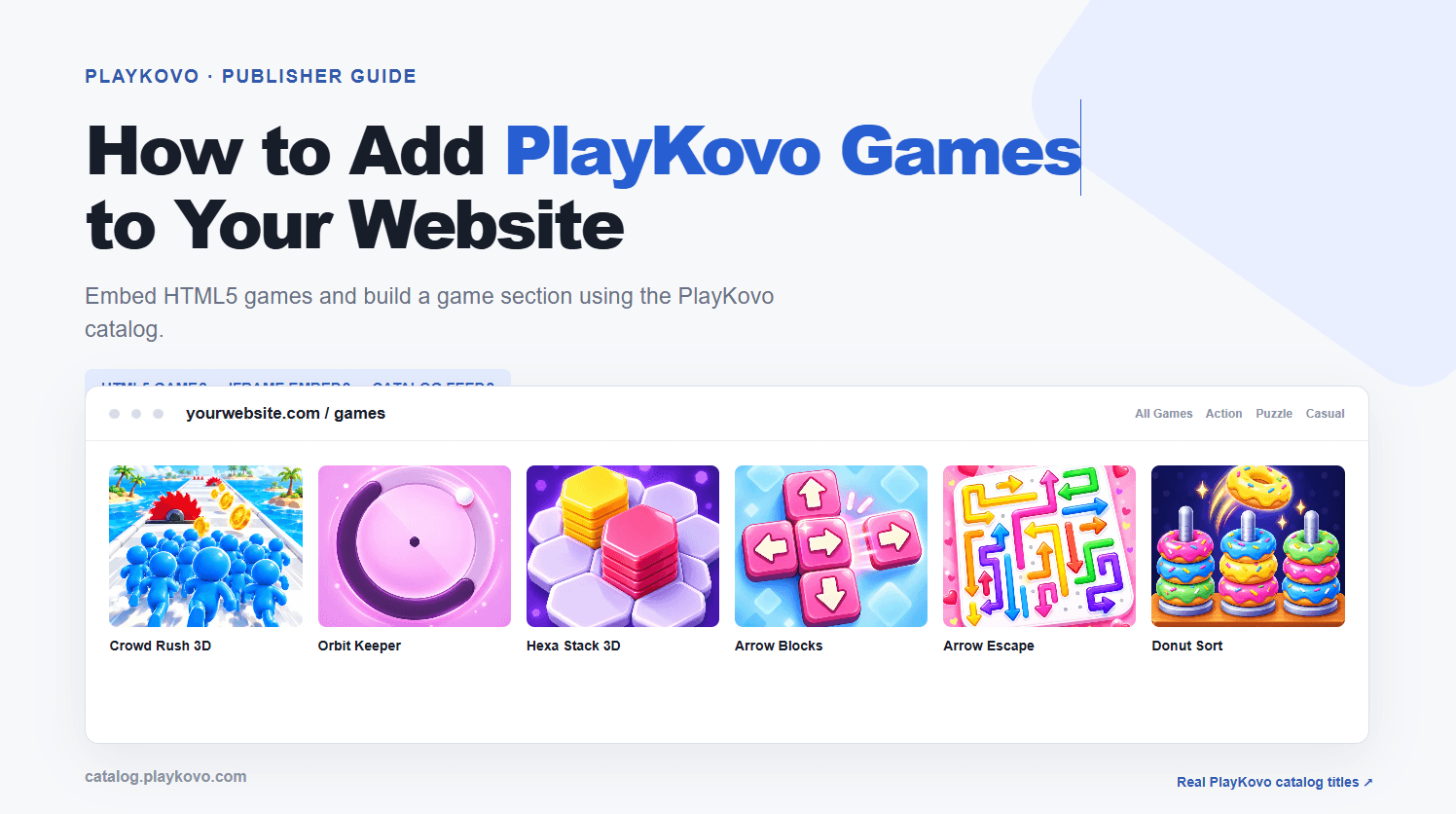
How to Add PlayKovo Games to Your Website
A practical guide to adding free browser games to your website: choosing games, embedding them cleanly, and keeping the experience fast on mobile.