How to Add PlayKovo Games to Your Website
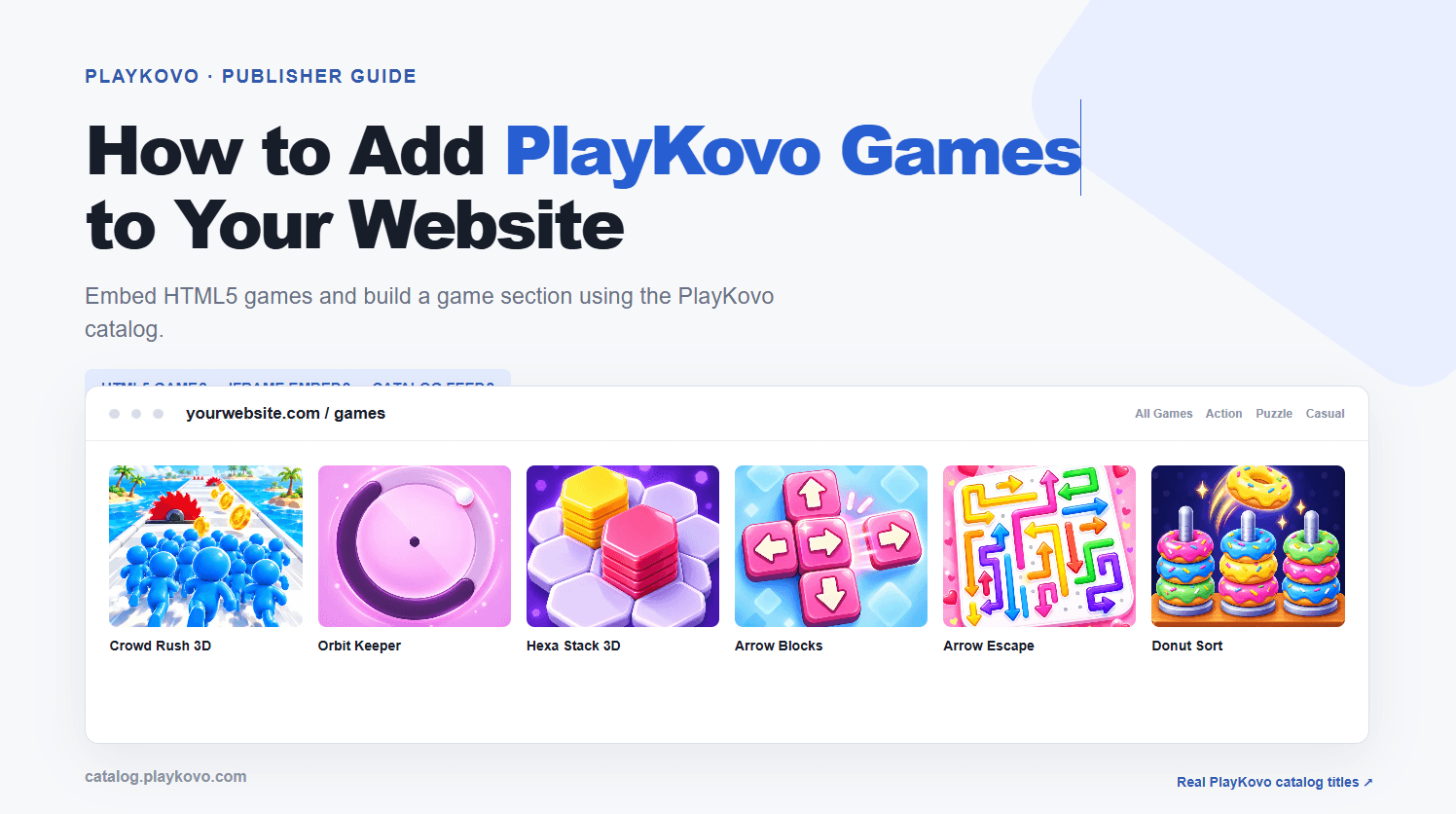
A games section can turn a one-visit website into a place people return to. If you run a blog, a news site, or a hobby project, adding free browser games is a low-effort way to give visitors a reason to stay. This guide covers the practical steps for adding games from PlayKovo to your website.
Why add games to your site
- Longer visits. Visitors who play a game spend more time on your pages.
- Fresh content. A catalog of games gives people something to explore beyond your articles.
- No development needed. Browser games run inside a frame, so you do not need to build or host anything.
Step 1: Choose games that fit your audience
Do not add every game you can find. A small, well-chosen selection works better than a huge pile.
- A news or lifestyle site might choose quick puzzle and word games for short breaks.
- A site for younger readers might prefer simple arcade and racing games.
- A tech blog might go for logic and strategy games.
Browse the catalog at PlayKovo and shortlist five to ten games to start.
To get a feel for the range, here are three games that match the audiences above: a calm one for lifestyle readers, a lively arcade game and a logic-style physics puzzle. Play each one before you shortlist it.
Try it live · PlayKovo catalog
A relaxing 3D fishing game. Cast your line, fight the fish, sell your catch and upgrade your gear to unlock new waters.
Eat gold, grow your block head and bash rivals in a wild voxel .io arena, and climb the leaderboard!
Stack, balance and rotate toys to get Astro above the line — as fast as you can!
Step 2: Confirm you are allowed to embed
Before you place any game on your site, check the terms that apply to it. Look for what the platform allows regarding embedding, whether attribution is required, and any limits on ads around the game. Follow those terms exactly. If something is unclear, ask before publishing.
Step 3: Embed the game
The usual method is an iframe. Wrap it in a container that keeps the right proportions so the game fits on phones as well as desktops:
- <div style="position:relative;width:100%;max-width:900px;aspect-ratio:16/9"><iframe src="GAME-URL" title="Game name" loading="lazy" allowfullscreen style="position:absolute;inset:0;width:100%;height:100%;border:0"></iframe></div>
Replace GAME-URL with the address you are given for the game. For a deeper walkthrough, see our guide on embedding a responsive HTML5 game with an iframe.
Step 4: Give each game its own page
Instead of putting ten games on one page, create one page per game. Each page should have:
- A clear title, such as the name of the game.
- A one or two sentence description.
- Short instructions for how to play.
- The embedded game.
Separate pages load faster and give search engines more to index.
Step 5: Build a simple games hub
Create one "Games" page that lists all your games as a grid of thumbnails with links to each game page. Add the link to your main menu so visitors can find it. If you have a lot of games, group them by category.
Step 6: Optimise for mobile
Most browser game players are on phones. Check that:
- The page does not scroll sideways.
- The game fits the screen in portrait and landscape.
- Buttons around the game are large enough to tap.
- The page loads quickly. Use lazy loading and avoid placing several games on a single page.
Step 7: Keep it fresh
Add a few new games regularly and remove ones nobody plays. Check your analytics to see which games get the most visits, then add more like them.
Common mistakes
- Embedding too many games at once and slowing down the page.
- Surrounding the game with so many ads that it becomes hard to play.
- Skipping the mobile test.
- Ignoring the platform's embedding terms.
Ready to start?
Pick a handful of games, embed them with a responsive frame, and give each one its own page. You can have a working games section in a single afternoon. Start by exploring the catalog on PlayKovo.
Related Posts
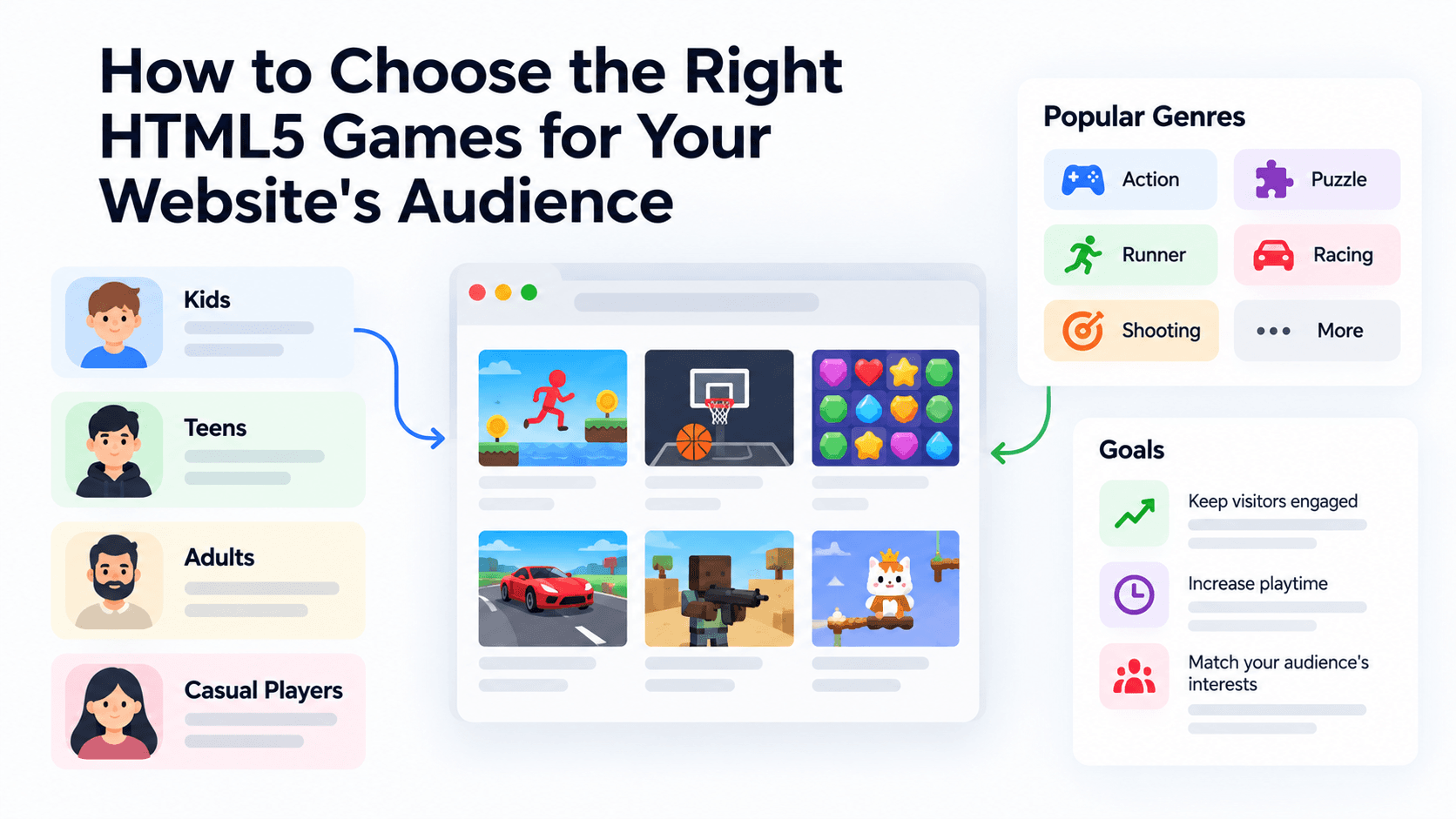
How to Choose the Right HTML5 Games for Your Website's Audience
A five-criteria scoring system for picking embeddable HTML5 games that fit a news site, blog, game portal or community, with a worked example using real PlayKovo catalog games.
A Curated 20-Game Starter Library for a New Arcade Website
Twenty embeddable HTML5 games from the PlayKovo catalog, balanced across puzzle, casual, arcade, action and sports, with controls, device support and publishing notes for each.
How to Compare Free HTML5 Game Catalog Providers Before Embedding
An independent checklist and scoring grid for comparing HTML5 game catalog providers, applied to PlayKovo, Playgama and GameMonetize using only what each publishes.