GameDeveloperStudio: A 2D Asset Library Built Around One Art Style
Art is where many small browser games lose their polish. The code works, the loop is fun, and then the screen is a patchwork of sprites from five different sources, each with its own outline weight and color mood. A game that looks consistent feels finished, even when it is small. This post looks at GameDeveloperStudio, a 2D asset library built around exactly that idea, and at what to check before you ship its art in a game.
Everything below comes from the site's own pages: its home page, about page, license page, editor page and resources page. We have not shipped a game with these assets ourselves, so treat this as a guided read, not a long-term review.
One artist, one style
The about page explains where the library comes from. It is the work of a single artist, Robert, who designs the art, animates the characters, writes the editing app and maintains the site. The goal he states is a library that is large and cohesive enough to build entire games from assets in one style.
That matters more than it sounds. Most asset trouble comes from mixing packs by different authors, then trying to hide the seams with filters and color tweaks. When every pack shares an art style, you can pick a knight, a fox, a brick-wall tileset and a set of inventory icons and expect them to sit together on screen.
The site advertises more than 50,000 hand-drawn 2D assets, and the catalog covers animated characters and creatures, top-down tilesets, props, backgrounds, game icons and GUI kits. It also states a "no AI" policy, which some teams now want in writing for their own art-sourcing rules.
Free and paid assets
The store sells packs at a range of prices, and some packs are listed at no cost. The site also runs limited flash offers, and according to its own description only new releases go on offer. Prices and free packs change, so check the store on the day you decide rather than relying on any list in a blog post.
For a first prototype, a free pack lets you test whether the style fits your game before you spend anything. If it does, a few paid packs can fill out the rest of the world.
The license, in plain terms
The license page is worth reading before you buy or download anything, because the licensing is a big part of the appeal. In summary:
- It applies to both free and purchased assets.
- Commercial use is allowed, including in games with ads or in-app purchases.
- You can publish your game on as many platforms as you like, as long as it is published under your name or company name.
- Attribution is not required.
- You may modify the assets, and modified assets stay under the same license.
- You may share assets with contractors you hire for the project.
The restrictions are just as clear. You cannot redistribute or resell the assets, which includes asset bundles, game templates, tutorial packages and sharing in social groups. They cannot be used as NFTs. And a license has one holder, so a second publisher under a different name needs a license of their own.
If you are building a games section for other people, that last point deserves attention. Art you include in a game you publish is fine. Art packaged into a template that you hand to others is not. Read the full license text for the exact wording, and write to the author if your case is unclear.
A free editor for changing the art
Packs rarely match your game perfectly, so the site also offers the GDS Editor, a browser-based tool for editing, combining and creating assets. According to its page, it works with GDS assets, PNG and SVG files, needs no sign-up or installation, and runs on desktop browsers. Features listed for version 1.6 include color group targeting, scaling, cloning and compositing, slicing tools for spritesheets and tilesets, and a spritesheet player. Some extras, such as the texture library, are for paying supporters only.
For a small team without a dedicated artist, recoloring a pack or combining parts into a new character can be the difference between "generic" and "ours".
Tools for the rest of the pipeline
The site also keeps a resources page for indie developers. It links free and low-cost tools such as Inkscape and Krita for editing, Tiled for building levels, Audacity and Bosca Ceoil for sound, and a texture packer and animation tools for working with the animated sprites. It is a short, practical list, and it is a decent place to start if you are assembling a toolchain from scratch.
Using assets in a browser game
Art that looks great can still hurt a browser game if it is heavy. A few habits help whatever pack you choose:
- Pack animation frames into spritesheets so the game makes fewer requests.
- Trim empty space around sprites and resize them to the size they actually appear on screen.
- Test on a phone, where small screens and slower connections show up fast.
If you plan to put your game in front of a wider audience, PlayKovo is a catalog where browser games are submitted for review, and our guide on submitting an HTML5 game to PlayKovo lists what to prepare. One item is ownership: you need the right to distribute every piece of artwork, music and code in the game. A clear asset license, kept somewhere you can find it later, makes that item easy to answer.
Quick checklist before you buy
- Does the style fit your game? Try a free pack first.
- Have you read the license, especially the redistribution rules?
- Will you edit the art? Check what the editor and file formats allow.
- Can you keep the file size low for the web?
- Do you have a receipt or download record for each pack you use?
Try it
Browse the library at GameDeveloperStudio, or see how to get your finished game listed on PlayKovo.
Related Posts
Where to Find Game Assets for a Browser Game: Free, Paid and Licensed Right
Where can you find game assets for a browser game? A short, license-first guide to public-domain packs, community archives and a single-style paid and free library, with what each site says about its own terms.
How to Submit Your HTML5 Game to PlayKovo
Built an HTML5 game and want more players to find it? Here is how to prepare your game for a browser game platform and what to check before you submit.
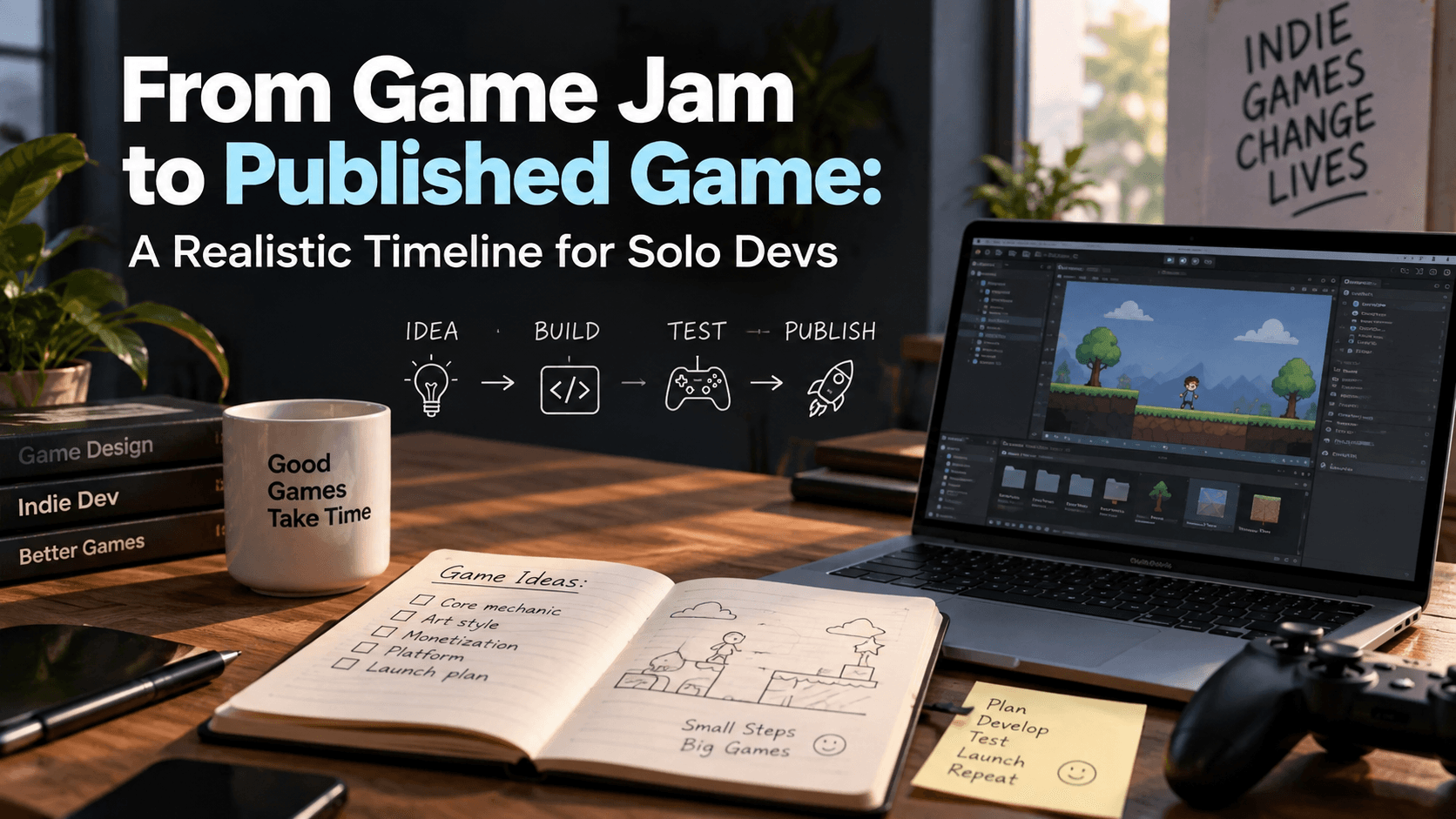
From Game Jam to Published Game: A Realistic Timeline for Solo Devs
A weekend game jam prototype and a genuinely published game are separated by more work than most solo developers expect going in. Here's a realistic breakdown of what that gap actually looks like.