What Is an HTML5 Game Embed? How iframe Game Embeds Actually Work
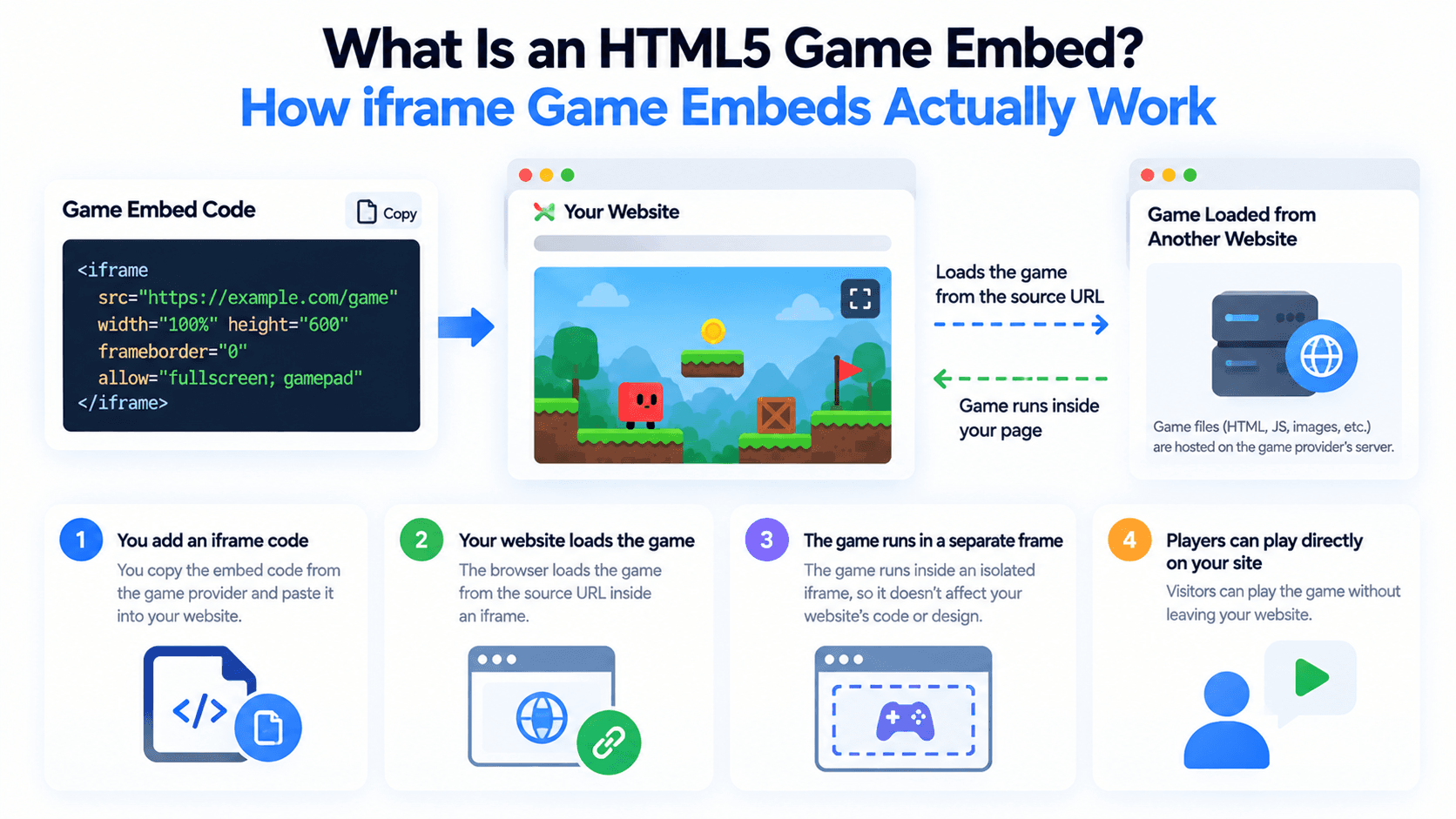
"Embed a game on your site" sounds like it should be complicated. In practice it's one HTML element doing all the work, and understanding what it actually does makes every embed decision after this one easier.
The Core Idea: The Game Doesn't Live on Your Server
An embedded HTML5 game almost always runs through an iframe, a window inside your page that loads a separate document from another server entirely. Your site isn't hosting the game, storing its files, or running its code, it's just opening a frame and pointing it at the game's own URL. The game runs exactly as it would if a visitor went directly to that URL, just inside a box on your page instead of a full browser tab.
Why That Means No Download or Install
This is also the reason there's nothing to install. The game is already a website, built in HTML5, JavaScript, and usually WebGL for graphics, so "embedding" it is really just linking to it in a way that displays inline instead of navigating away. No executable, no app store, no plugin.
The Three Attributes That Actually Matter
- src is the address of the game itself, the URL the iframe loads. This has to be the exact embed URL the game provider gives you, not the game's regular homepage, which may not be built to run inside a frame.
- allow grants specific browser permissions to the framed content, things like fullscreen, pointer-lock (needed for games that capture your mouse cursor for camera control), and controls around popups. Without the right permissions listed here, features the game depends on simply won't work.
- sandbox is a security attribute that restricts what the framed content is allowed to do by default, things like running scripts, submitting forms, or opening new windows. You selectively re-enable what the game actually needs rather than leaving everything open.
Why This Setup Is Deliberately Restrictive
Browsers treat iframe content as untrusted by default, and for good reason, you're loading someone else's code onto your page. The allow and sandbox attributes exist so you can grant exactly the permissions a specific game needs, and nothing more. Getting this balance right is really the whole game of embedding well, which is what the next few guides in this series get into.
Where to Actually Get an Embed Code
If you'd rather not hunt down individual games one at a time, PlayKovo's embed catalog lets you browse embeddable HTML5 games and copy a ready iframe embed code directly, rather than reverse-engineering one yourself.
Here is what that looks like in practice. Start the game below and you are playing inside an iframe pointed at a PlayKovo embed address, with the allow list the game needs for fullscreen, sound and controllers.
Try it live · PlayKovo catalog
Eat gold, grow your block head and bash rivals in a wild voxel .io arena, and climb the leaderboard!
FAQ
Do I need to download anything to embed an HTML5 game?
No, embedding just points an iframe at the game's own URL. The game runs entirely in the browser, on the game's own server.
What does the allow attribute do on a game embed?
It grants specific permissions to the framed content, like fullscreen or pointer lock, that many games need to function correctly.
Why does an iframe need a sandbox attribute at all?
Because browsers treat framed content as untrusted by default. Sandbox restricts what it can do, and you re-enable only what the specific game requires.
Can I embed any game's homepage URL directly?
Not always, many games have a separate, dedicated embed URL built specifically to run inside an iframe, which is what you should actually use in src.
Final Thoughts
An HTML5 game embed is simpler than it sounds: one iframe, pointed at the right URL, with the right permissions granted. The next posts in this series go through exactly how to do that safely and without breaking your page, starting with the three practical ways to actually add games to your site.
Related Posts
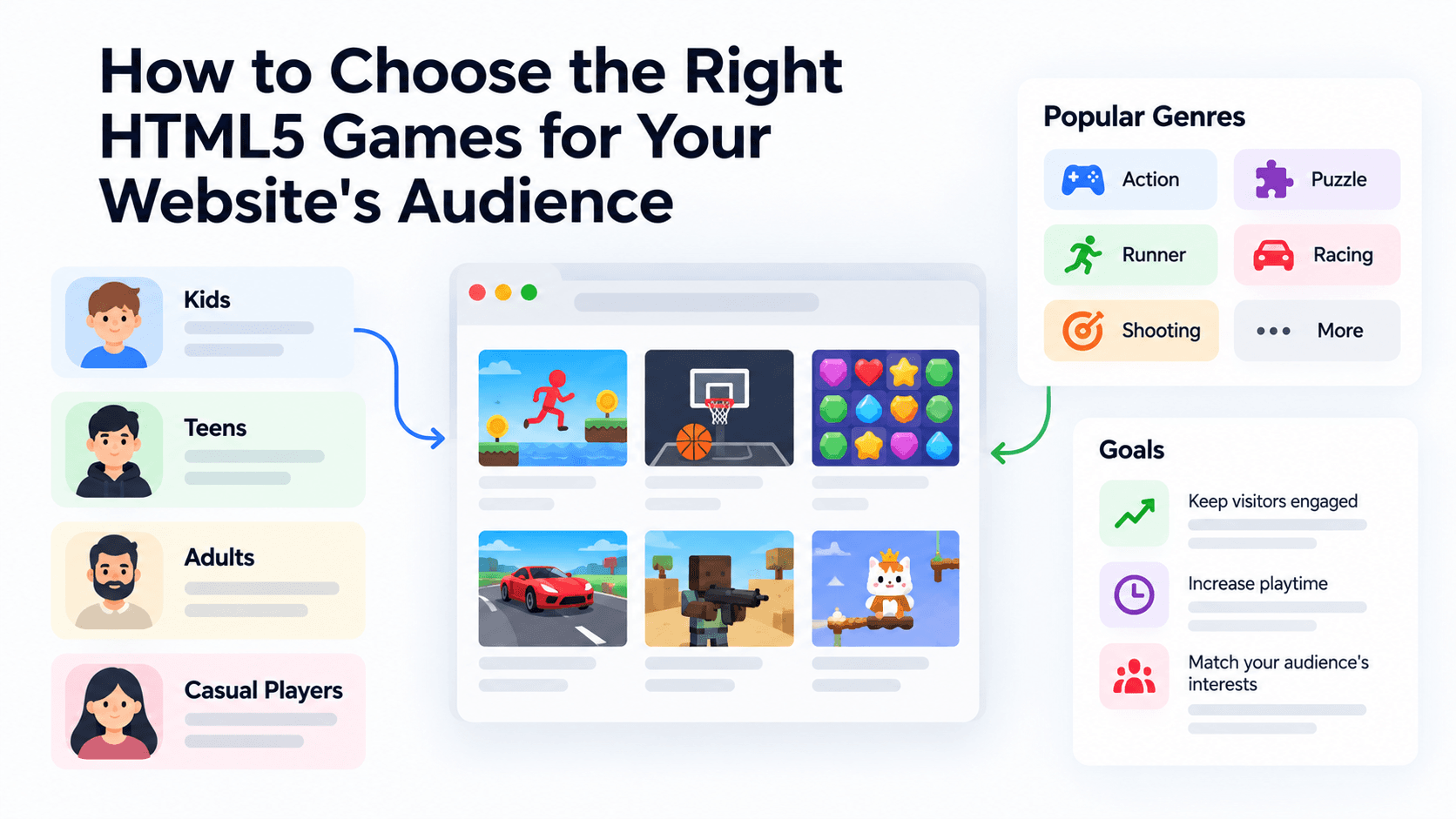
How to Choose the Right HTML5 Games for Your Website's Audience
A five-criteria scoring system for picking embeddable HTML5 games that fit a news site, blog, game portal or community, with a worked example using real PlayKovo catalog games.
A Curated 20-Game Starter Library for a New Arcade Website
Twenty embeddable HTML5 games from the PlayKovo catalog, balanced across puzzle, casual, arcade, action and sports, with controls, device support and publishing notes for each.
How to Compare Free HTML5 Game Catalog Providers Before Embedding
An independent checklist and scoring grid for comparing HTML5 game catalog providers, applied to PlayKovo, Playgama and GameMonetize using only what each publishes.