How to Embed a Responsive HTML5 Game That Doesn't Break on Mobile
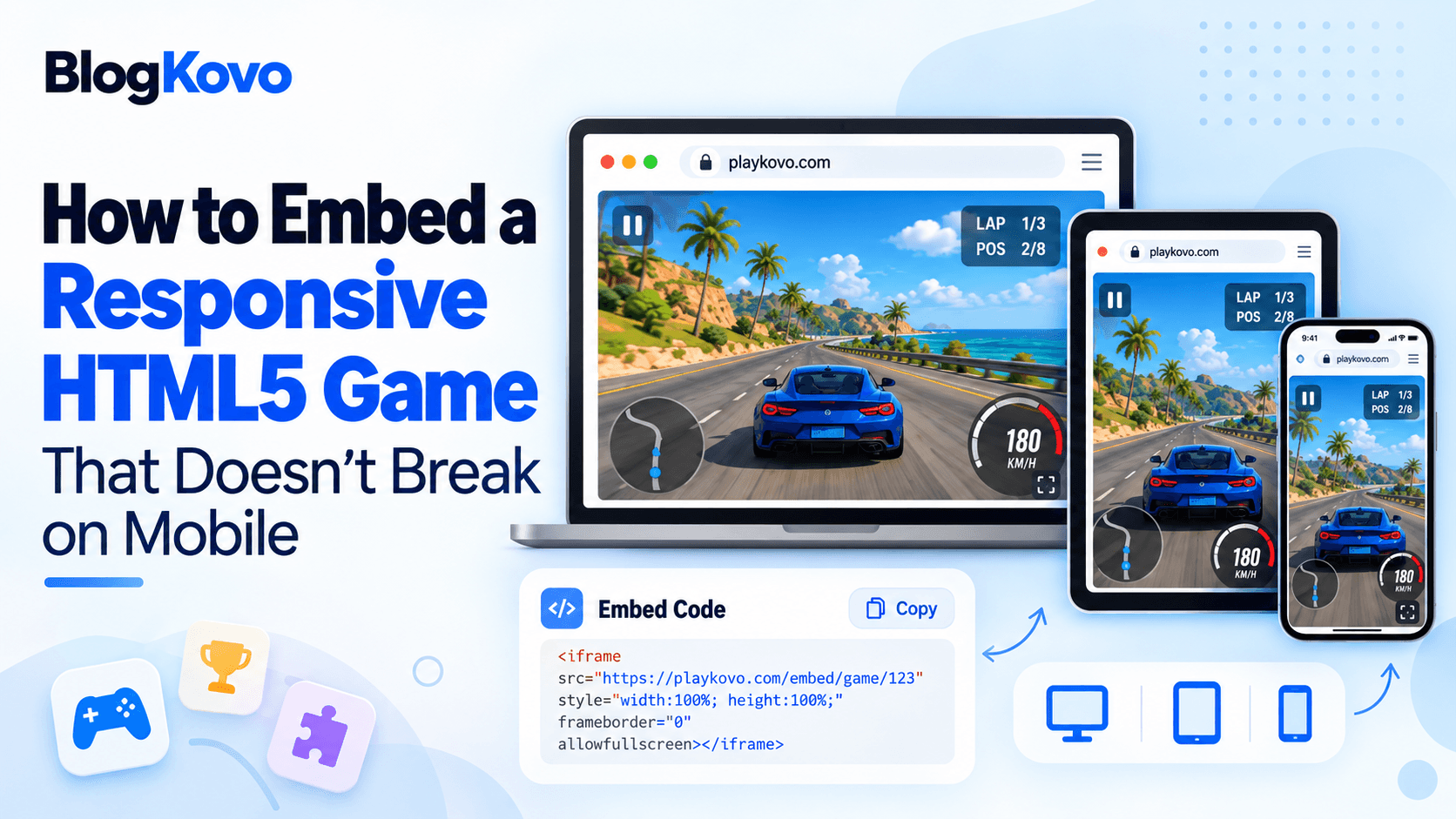
The most common embedded-game bug isn't a broken game, it's a fixed-size iframe that looked fine on a desktop monitor and falls apart on a phone. Here's the fix, and what to check before you even get to CSS.
The Mistake: Fixed Pixel Dimensions
Setting an iframe to a fixed width and height in pixels is the most common cause of a cropped, overflowing, or oddly-scrollable game embed on mobile. It looks correct on whatever screen you built it on, and breaks the moment someone visits on a screen a different size, which on the mobile web is almost guaranteed.
The Fix: An Aspect-Ratio Box
Instead of fixed dimensions, wrap the iframe in a container sized by the CSS aspect-ratio property, so the embed scales proportionally to whatever width is actually available.
- Set the wrapping container to relative positioning, full width, and the game's aspect ratio, for example 16 by 9.
- Position the iframe itself absolutely inside that wrapper, filling 100% of its width and height, with no border.
- The wrapper's height then follows automatically from its width and the aspect ratio, instead of being a fixed pixel number.
This keeps the game's proportions consistent while letting it actually shrink or grow with the container, rather than staying locked to whatever pixel size you originally set.
Match the Aspect Ratio to the Actual Game
Check the game's own recommended or native aspect ratio before picking one for your CSS, a game built for 16 by 9 will look wrong forced into a 4 by 3 box, letterboxed or cropped depending on how it scales internally. This is usually listed in the game's embed documentation if one exists.
Does the Game Actually Support Mobile at All?
Responsive CSS only solves the layout half of the problem. Some games are built for keyboard and mouse specifically and simply don't have touch controls, no amount of correct CSS makes an unsupported input method work. Check the specific game's device support before assuming responsive layout alone gets you mobile compatibility. PlayKovo's catalog lists device support directly on each embeddable game, so you can filter for mobile-ready titles instead of finding out after the fact.
A Quick Test Before You Ship It
- Load the embed on an actual phone, not just a resized desktop browser window.
- Rotate the device, portrait and landscape can behave differently.
- Confirm touch controls actually work if the game claims mobile support, don't take the label at face value.
Here are two games that declare their device support differently. Check the Desktop and Mobile badges on each, then start the one that supports mobile on a real phone and run the checklist above.
Try it live · PlayKovo catalog
Race a hovering ship through a neon-lit futuristic cityscape at breakneck speed, dodging walls and rivals while managing shields and boost across a full 3D WebGL track.
Race 8 karts across 4 neon circuits, grab power-ups and hit your rivals with shells, bananas and lightning to win the Grand Prix.
FAQ
Why does my embedded game get cropped on mobile?
Usually a fixed pixel width and height on the iframe, which doesn't adapt to different screen sizes. An aspect-ratio-based CSS container fixes this.
What CSS property keeps a game embed proportional across screen sizes?
aspect-ratio on a wrapping container, combined with a full-width iframe absolutely positioned to fill it.
Does responsive CSS guarantee a game works on mobile?
No, it only fixes layout. The game itself still needs touch controls built in, which not every HTML5 game has.
How can I tell if a game actually supports mobile before embedding it?
Check the specific game's documentation or listing, PlayKovo's catalog tags device support directly per game.
Final Thoughts
A responsive embed comes down to two separate checks: CSS that scales properly, and a game that actually supports the device you're testing on. Get both right and a game embed holds up the same on a phone as it does on the screen you built it on.
Related Posts
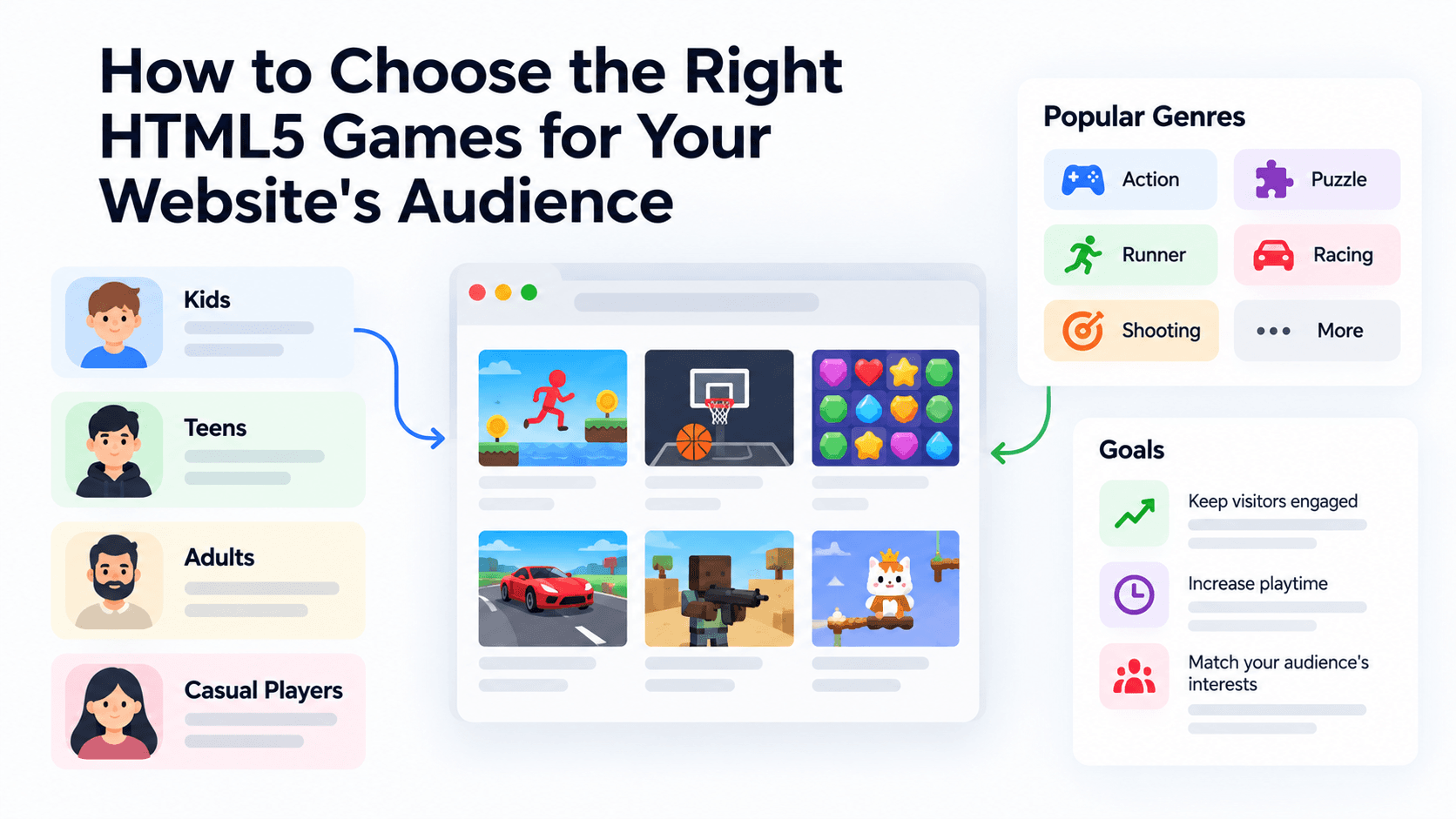
How to Choose the Right HTML5 Games for Your Website's Audience
A five-criteria scoring system for picking embeddable HTML5 games that fit a news site, blog, game portal or community, with a worked example using real PlayKovo catalog games.
A Curated 20-Game Starter Library for a New Arcade Website
Twenty embeddable HTML5 games from the PlayKovo catalog, balanced across puzzle, casual, arcade, action and sports, with controls, device support and publishing notes for each.
How to Compare Free HTML5 Game Catalog Providers Before Embedding
An independent checklist and scoring grid for comparing HTML5 game catalog providers, applied to PlayKovo, Playgama and GameMonetize using only what each publishes.