The HTML5 Game Catalog Quality Checklist: 25 Things to Test Before Publishing
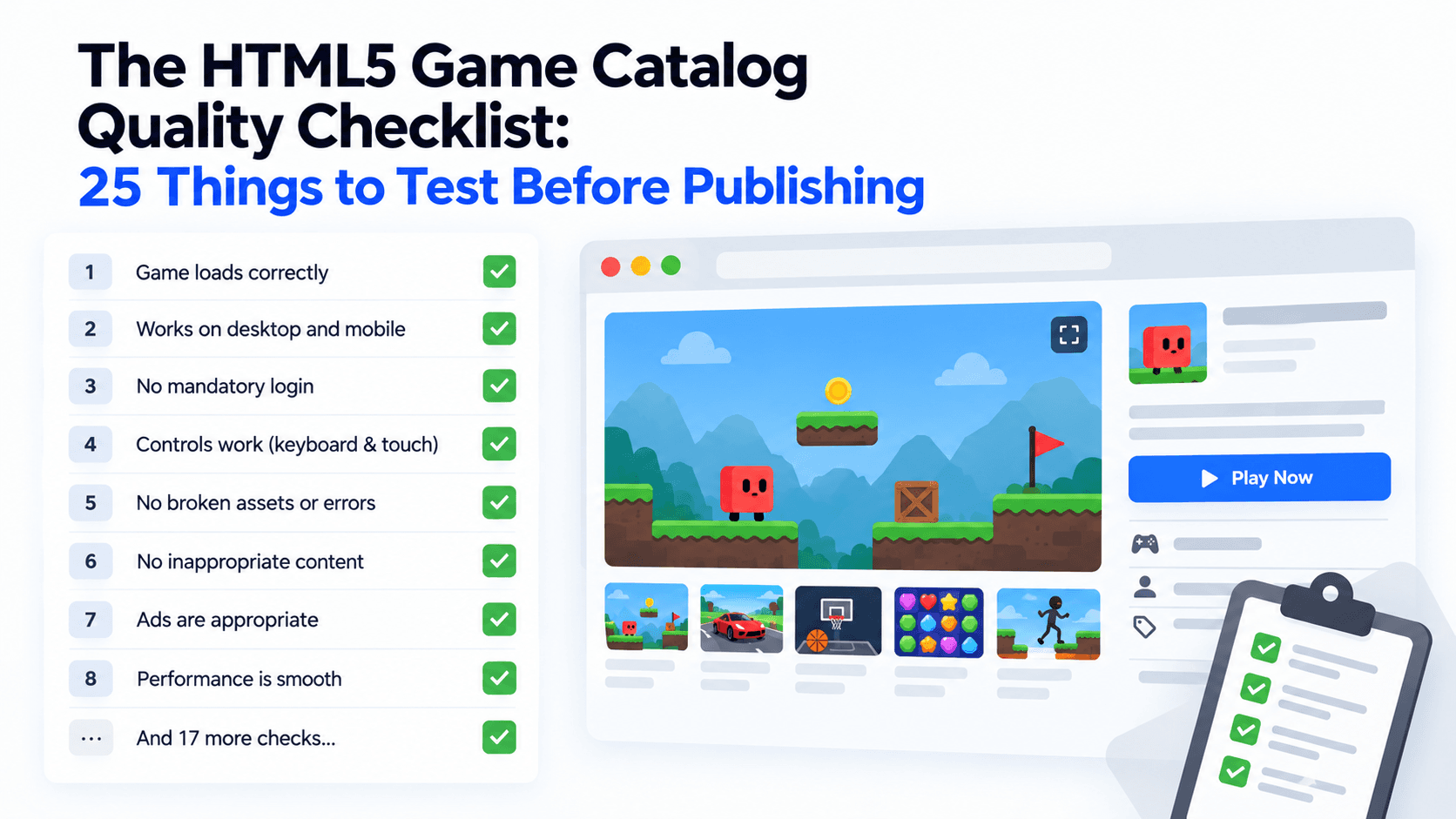
Most embed problems are boring and preventable. The frame is blank because of a security header. The game is tiny because the frame has the wrong shape. The page has no description because nobody wrote one. A checklist catches these before your visitors do.
This one has 25 checks in four groups. Each tells you how to test, what a failure means and what to do. Copy the tables into a spreadsheet and score every game. Afterwards you will find a sample audit of four real catalog games, in which we separate what was checked by a script from what still needs a person with a phone.
Group 1: Technical (8 checks)
| # | Check | How to test | If it fails |
|---|---|---|---|
| 1 | The embed address returns HTTP 200 | Open it directly in a browser tab | The game is broken or removed. Check the feed, then replace it |
| 2 | The embed address does not redirect | Compare the address you typed with the final address | The game has moved. Use the address in the feed |
| 3 | The provider allows framing | The frame renders on a test page. For a quick header check, look for X-Frame-Options or a restrictive frame-ancestors policy | Blank frame. Contact the provider |
| 4 | Your own security policy allows the frame | Open the console and look for blocked-frame messages | Add frame-src https://playkovo.com to your policy |
| 5 | The allow attribute is intact | Compare your code to the default code | Controls or sound will break. Restore fullscreen, autoplay, gamepad and pointer lock |
| 6 | The frame loads lazily | Scroll the page with the network panel open | The page loads slowly. Restore loading="lazy" |
| 7 | No referrerpolicy="no-referrer" | Read your embed code | The provider cannot recognise your domain and statistics suffer. Remove it |
| 8 | No script errors from your own page | Check the console after load | Your site code is clashing with the frame. Fix or remove the offending script |
Group 2: User experience (7 checks)
| # | Check | How to test | If it fails |
|---|---|---|---|
| 9 | No sideways scroll at 360 pixels wide | Resize the window or use a phone | The frame or a wrapper is too wide. Make the container responsive |
| 10 | The frame matches the game's orientation | Compare the feed's orientation field with your frame | The game looks small. Use the 9:16 frame for portrait games |
| 11 | The game can be played with a thumb | Play one round on a phone | Hide the game from mobile or choose another |
| 12 | The page still scrolls | Drag inside the frame, then scroll the page | A scroll trap. Test for overlays, change layout or pick a different game |
| 13 | Fullscreen works | Press the fullscreen option | Check the allow attribute and the browser's behaviour |
| 14 | Sound starts after the first tap | Start a round with sound on | Browsers hold autoplay until a user gesture. Make sure the player knows to tap first |
| 15 | A loading state or fallback is visible | Throttle the connection and reload | The visitor sees a void. Add the thumbnail and a short message |
Group 3: Safety (5 checks)
| # | Check | How to test | If it fails |
|---|---|---|---|
| 16 | Permission is recorded | The game appears in the provider's embed feed. You saved the date and terms | Do not publish until it is recorded |
| 17 | No overlay on the frame | Inspect the page for transparent layers | Overlays are banned by the Partner Terms. Remove them |
| 18 | No unexpected redirects or pop-ups | Play for five minutes with the network panel open | Remove the game and tell the provider |
| 19 | Credits and branding are untouched | Look at the page and the frame | You may not hide the PlayKovo brand or credits. Restore them |
| 20 | The page around the game is within the terms | Review surrounding content | Content that is illegal, pirated, adult or hateful breaks the Partner Terms. Remove it |
Group 4: Content quality (5 checks)
| # | Check | How to test | If it fails |
|---|---|---|---|
| 21 | The title and description are your own | Compare to the feed text | Duplicate copy adds nothing. Write two sentences in your own words |
| 22 | Controls are explained on the page | Read the page without playing | Visitors give up. Add a short controls note from the feed |
| 23 | The thumbnail loads and has alt text | Open the image address and inspect the HTML | Add the image or fix the address |
| 24 | Desktop-only games are labelled | Look at the feed's device field | Mobile visitors tap and get nothing. Add a clear note |
| 25 | The game is on your inventory with a feed-check date | Open your audit sheet | You will not notice a removal. Add it |
Sample audit: four catalog games
We ran the checks that a script can run on 13 October 2026, and we marked everything that needs a person as not tested. This is a small audit and does not replace your own.
| Check | Helix Jump | Minesweeper Kovo | Lumira: Word Puzzle Game | Underrun |
|---|---|---|---|---|
| 1 HTTP 200 on embed address | Pass | Pass | Pass | Pass |
| 2 No redirect | Pass | Pass | Pass | Pass |
| 3 Framing allowed | Pass | Pass | Pass | Pass |
| 5 Default allow list in the feed code | Pass | Pass | Pass | Pass |
| 21 Feed has a description | 1,122 characters | 524 characters | 1,832 characters | 818 characters |
| 22 Feed has controls text | Yes | Yes | Yes | Yes |
| 23 Thumbnail address loads | Pass (WebP, about 23 KB) | Pass (WebP, about 13 KB) | Pass (WebP, about 24 KB) | Pass (WebP, about 47 KB) |
| 24 Device declaration | All devices, portrait | All devices, either orientation | All devices, portrait | Desktop only, landscape |
| 16 Listed in the embed feed | Pass | Pass | Pass | Pass |
| Needs a person: 4, 6 to 8, 9 to 15, 17 to 20 | Not tested | Not tested | Not tested | Not tested |
What the sample tells us:
- All four are in good shape technically. The embed addresses respond, framing is allowed and the feed carries a description, controls text and a thumbnail for each.
- Underrun fails check 24 by default. It is declared desktop only, so a mobile visitor needs a clear warning or should not see it at all.
- Helix Jump and Lumira need check 10. Both are portrait, while the default frame is landscape, so pick the vertical frame.
- Minesweeper Kovo is the most flexible. It is declared for either orientation, so it suits the default frame.
- Nothing here is a play-test. Checks 9 to 15 and 17 to 20 are about how a game behaves in a real browser on a real phone. We marked them "not tested" because we did not run them.
Underrun is the game that fails check 24 by default. Start it and look at its badges: Desktop is supported, Mobile is not.
Try it live · PlayKovo catalog
Fight through a hacked facility as a lone hacker-soldier, gunning down rogue spider-bots and sentries while rebooting every CPU to unlock the exit and reach the next level.
How to run the checklist
- Run checks 1 to 3, 21, 23 and 24 with a script against the feed (https://playkovo.com/api/embed-games?format=json). They are quick and repeatable.
- Run checks 4 to 8 once per page template and again after any theme or plugin change.
- Run checks 9 to 15 and 17 to 20 by hand on a phone and a laptop for every new game.
- Keep the table, with dates, in your records.
- Rerun the whole list when you change your theme, your security policy or your embed code.
Scoring
Give each check one point for pass and zero for fail or not tested. A game with 23 or more can go live. A game with 20 to 22 needs fixes first. A game below 20 should wait or be replaced. These are our suggested cut-offs, not an industry standard, and a failure in the safety group should block publication regardless of the total.
The takeaway
A checklist is only as honest as the "not tested" cells you are willing to write. Run what you can automatically, test the rest on real hardware, and keep the table so you can show your work.
Related Posts
How to Choose the Right HTML5 Games for Your Website's Audience
A five-criteria scoring system for picking embeddable HTML5 games that fit a news site, blog, game portal or community, with a worked example using real PlayKovo catalog games.
A Curated 20-Game Starter Library for a New Arcade Website
Twenty embeddable HTML5 games from the PlayKovo catalog, balanced across puzzle, casual, arcade, action and sports, with controls, device support and publishing notes for each.
How to Compare Free HTML5 Game Catalog Providers Before Embedding
An independent checklist and scoring grid for comparing HTML5 game catalog providers, applied to PlayKovo, Playgama and GameMonetize using only what each publishes.