How to Add Free Games to Your Website (No Coding, No Hosting)
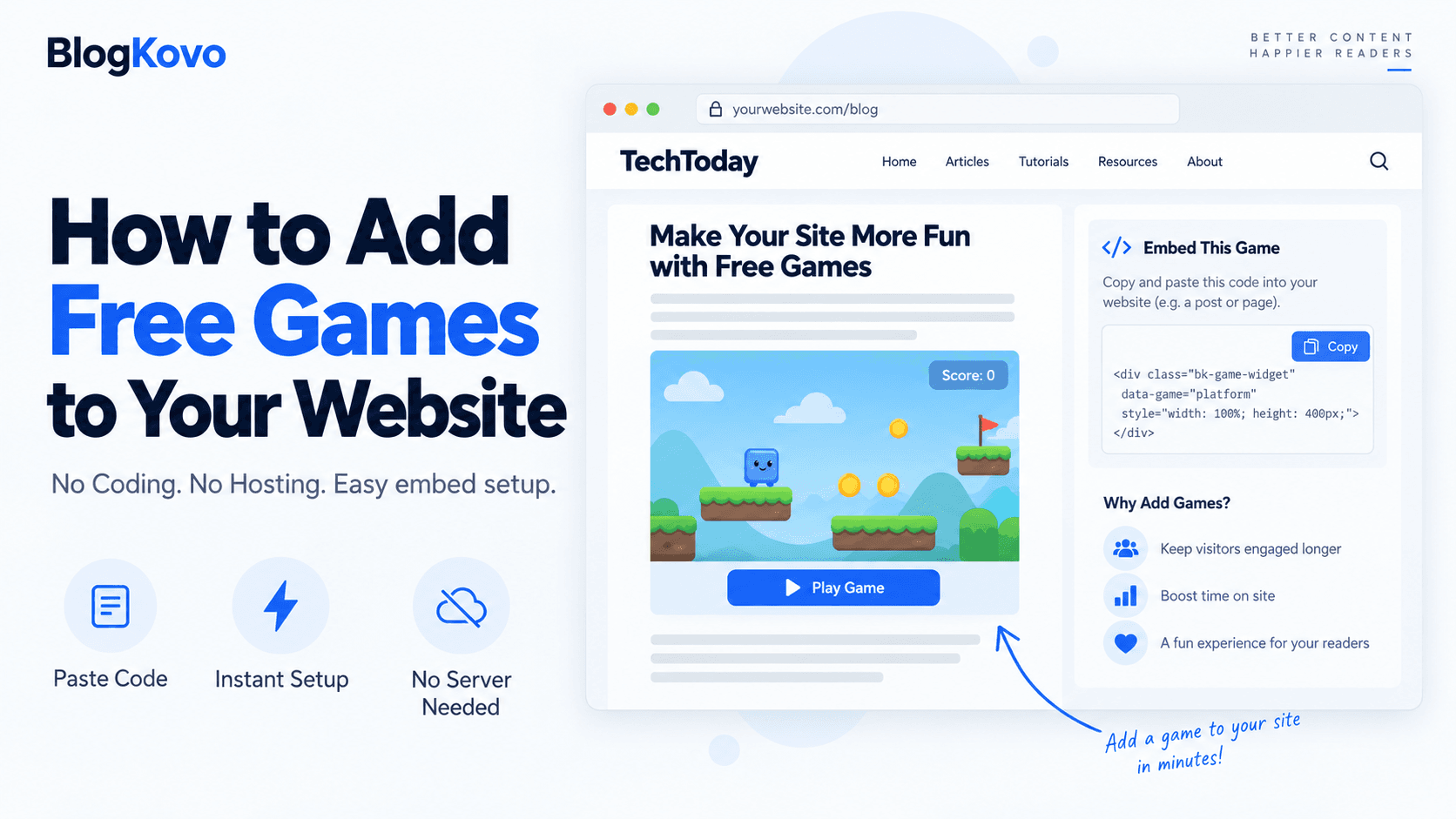
You don't need to build a game, host game files, or learn game development to put a playable game on your website. The realistic path is much shorter than that.
What You Don't Need
- You don't need to host anything. The game runs on its provider's server, your site just displays it through an iframe.
- You don't need to build a game. You're embedding an existing one, not creating one from scratch.
- You don't need deep coding knowledge. A ready embed snippet is copy-paste, not something you write from first principles.
What You Actually Need
- A source of games you're allowed to embed. This is the part worth not skipping, not every game you find online is licensed for you to use on your site.
- An embed code or feed for the games you pick. A single snippet for one game, or a feed if you want several.
- A place on your page to put it. Anywhere in your site's editor or template where the embed can sit.
The Actual Steps
- Pick a source of embeddable games. PlayKovo's catalog is built specifically for this, with games available to browse and select.
- Choose the game or games you want. Consider genre fit for your site and whether you need one game or a real catalog page.
- Copy the embed code, or download a JSON feed if you selected multiple games for a catalog page.
- Paste it into your site. In most site builders or CMS platforms, this goes into an HTML or embed block wherever you want the game to show up.
- Test it on both desktop and mobile before considering it done, since not every game supports every device.
Try one before you commit. The Desktop and Mobile badges show which devices a game supports, and you can play it here first.
Try it live · PlayKovo catalog
Eat gold, grow your block head and bash rivals in a wild voxel .io arena, and climb the leaderboard!
If You Want More Than a Couple of Games
For one or two games, the steps above are the whole project. If you're building an actual games section with many titles, look at using a JSON feed instead of individual embed codes, so the page updates automatically as your selection changes rather than needing manual edits each time.
FAQ
Do I need to host game files on my own server?
No, embedded games run on the provider's server. Your site only displays them through an iframe.
Can I add a game to my site without knowing how to code?
Yes, a ready embed code is a copy-paste snippet, no need to write it from scratch.
Where do I get games that are actually licensed for embedding?
PlayKovo's catalog offers games specifically made available for this, rather than requiring you to check licensing yourself.
What if I want a whole games section, not just one game?
Use a JSON feed of multiple games instead of pasting individual embed codes one at a time, so the page can update itself as the selection changes.
Final Thoughts
Adding a free game to your website is a browse-pick-paste process, not a development project. PlayKovo's catalog covers the sourcing and licensing part, which is usually the only step that isn't obvious.
Related Posts
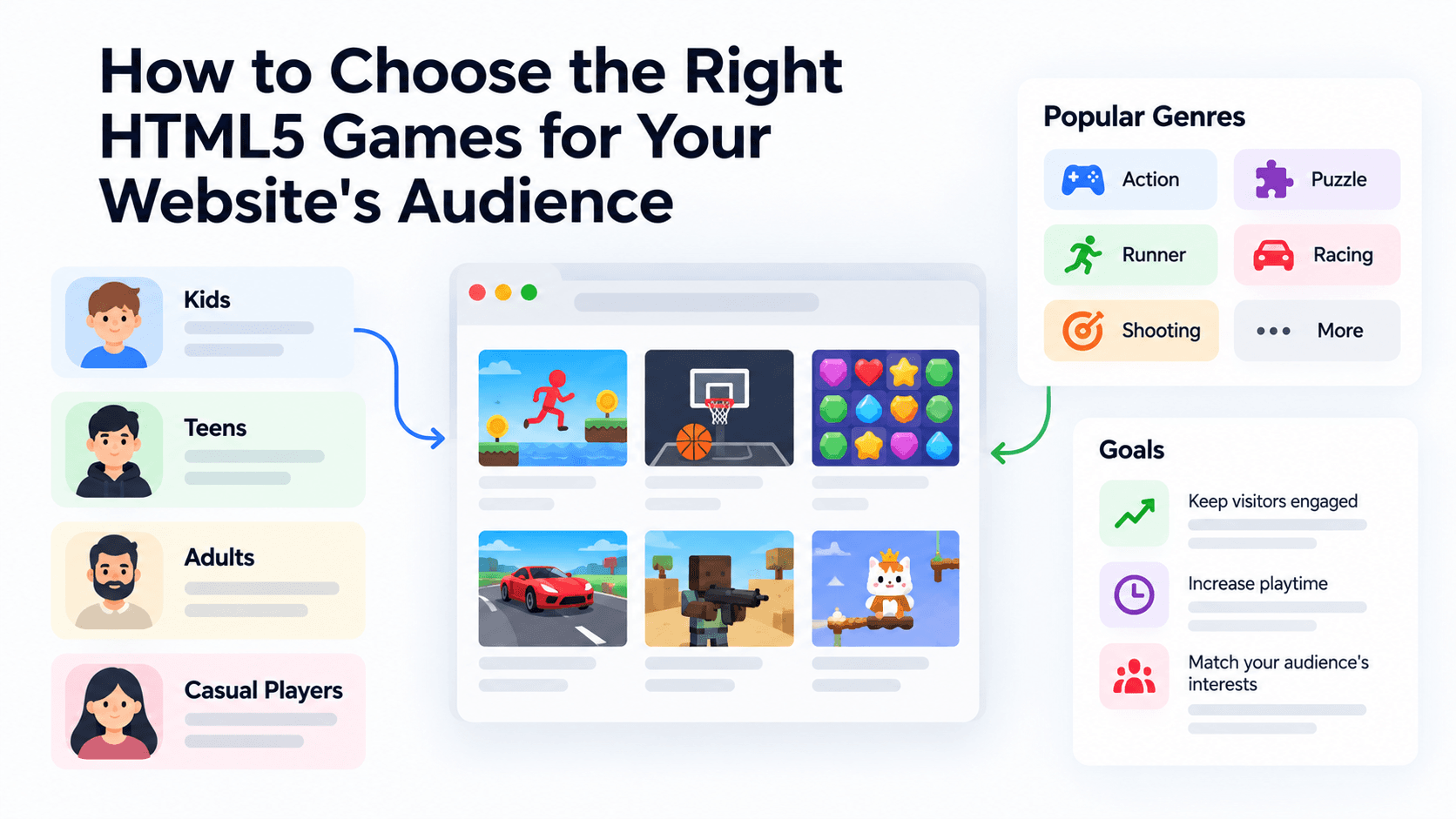
How to Choose the Right HTML5 Games for Your Website's Audience
A five-criteria scoring system for picking embeddable HTML5 games that fit a news site, blog, game portal or community, with a worked example using real PlayKovo catalog games.
A Curated 20-Game Starter Library for a New Arcade Website
Twenty embeddable HTML5 games from the PlayKovo catalog, balanced across puzzle, casual, arcade, action and sports, with controls, device support and publishing notes for each.
How to Compare Free HTML5 Game Catalog Providers Before Embedding
An independent checklist and scoring grid for comparing HTML5 game catalog providers, applied to PlayKovo, Playgama and GameMonetize using only what each publishes.