Game Feed vs Single Iframe Embed: Which Should Publishers Use?
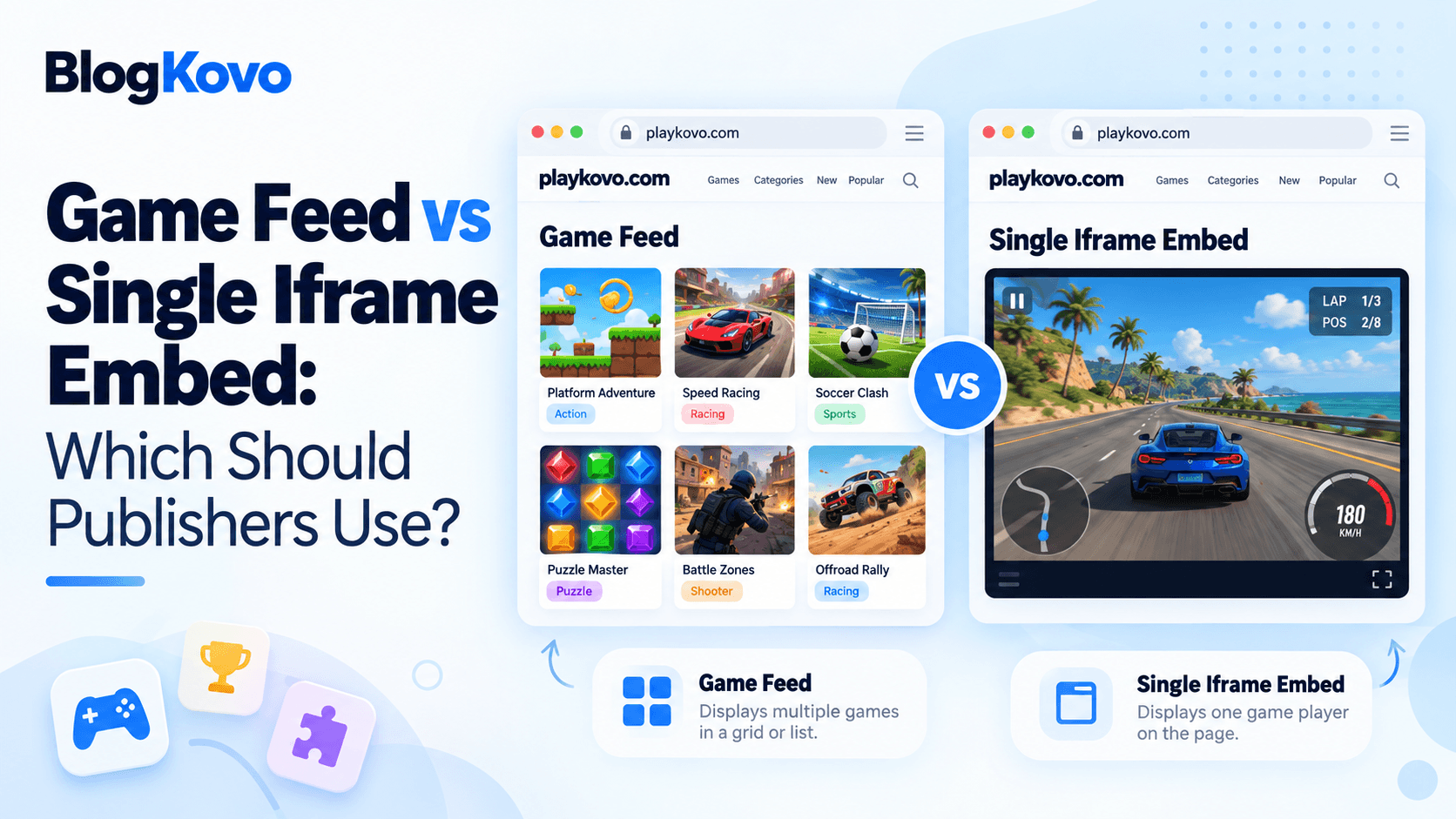
Both a single embed code and a structured feed get a game onto your site, they're just built for different scales of the same problem. Picking the wrong one for your situation means either unnecessary complexity or unnecessary manual work.
Single Iframe Embed: The Simple Case
A single embed code is one iframe, pointed at one game, pasted once. It's the entire solution for adding one or two games to specific pages, no data pipeline, no rendering logic, just markup.
Use it when: you want a specific game on a specific page, and you're not planning to add or rotate many more over time.
A Structured Feed: The Catalog Case
A feed gives you structured data, titles, thumbnails, categories, embed URLs, device support, for many games at once, which your page renders as a catalog. Adding or removing games from the source feed updates your page automatically.
Use it when: you're building an actual games section with more than a handful of titles, especially if you want that section to stay current without manual edits every time something changes.
The Real Decision Factor: How Often Does the List Change?
The number of games matters less than how often the list changes. A page with ten fixed games that never rotate can reasonably use ten individual embed codes. A page with five games that get swapped out regularly is a better fit for a feed, even though it technically has fewer games than the first example.
What This Looks Like in Practice
PlayKovo's catalog supports both paths directly: pick one or two games and copy their individual embed codes, or select a larger group and download a JSON feed covering the whole selection, matched to whichever scale actually fits what you're building.
You can see both ideas on this page. Each game below is one iframe pointed at one game, which is exactly what a single embed code gives you. The titles, artwork, device support and orientation around them are read from PlayKovo's public feed, the same data a feed-driven games section would use.
Try it live · PlayKovo catalog
Short description: Loop your tail around hexagonal tiles to capture territory, dodge rivals, and become the King of the map in this free 3D multiplayer .io game.
Spin a ring of swords around your stickman! Collect blades, unlock powers and win in Classic, shrinking Zone or Team battles.
FAQ
When is a single embed code enough?
When you're adding one or a small, fixed number of games that won't need frequent updates.
When should I use a feed instead?
When you're building a real games section with more titles, especially if the list changes over time and you don't want to edit your site manually every time it does.
Does more games always mean I need a feed?
Not necessarily, a fixed set of games that never changes can still work fine as individual embed codes. It's the rate of change that matters most, not just the count.
Can I get both an embed code and a feed from the same source?
Yes, PlayKovo's catalog offers individual embed codes for single games and a JSON feed for larger selections.
Final Thoughts
Neither approach is universally better, they're matched to different scales. Pick based on how many games you're adding and how often that list will actually change, not just which option sounds more sophisticated.
Related Posts
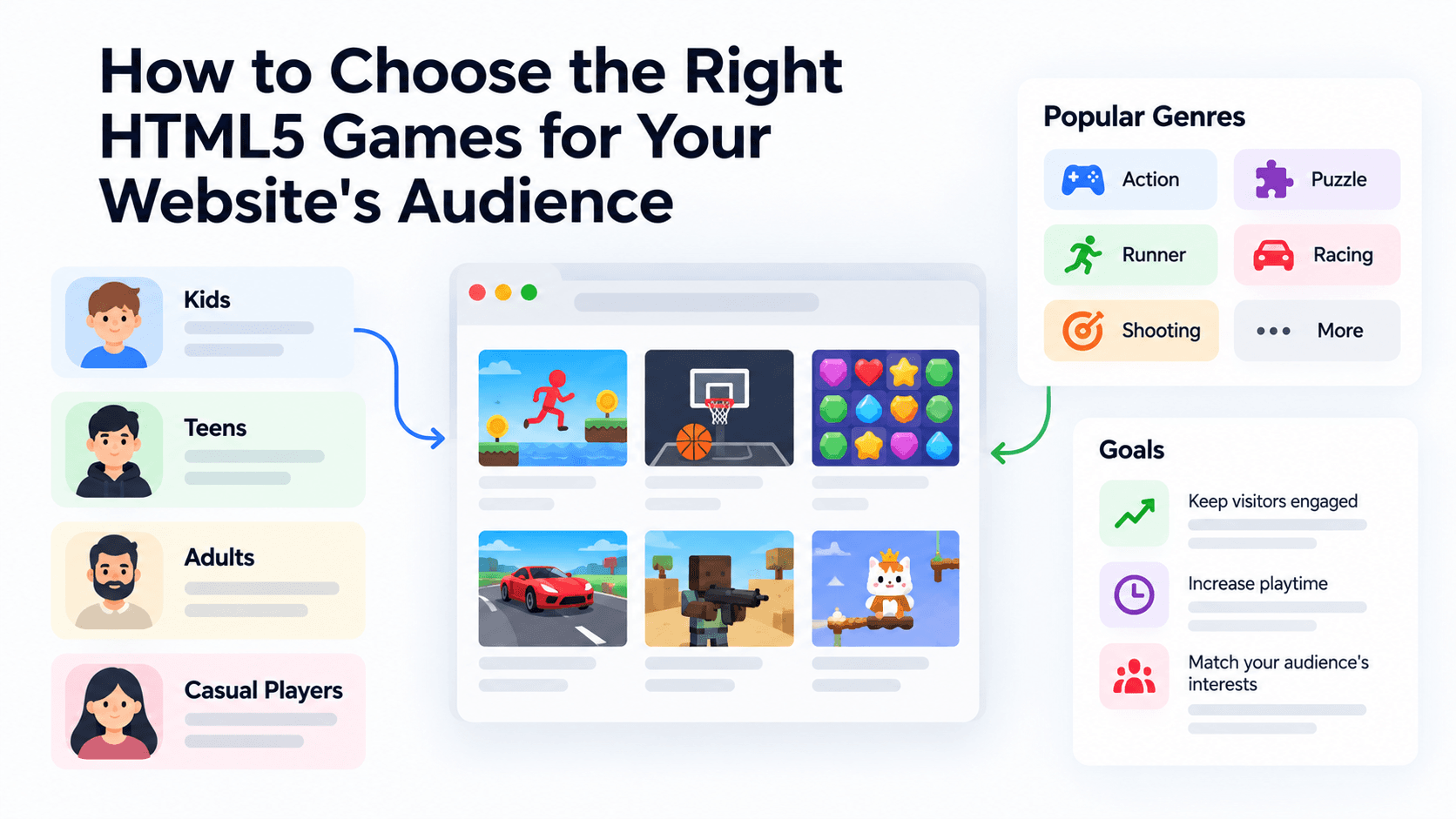
How to Choose the Right HTML5 Games for Your Website's Audience
A five-criteria scoring system for picking embeddable HTML5 games that fit a news site, blog, game portal or community, with a worked example using real PlayKovo catalog games.
A Curated 20-Game Starter Library for a New Arcade Website
Twenty embeddable HTML5 games from the PlayKovo catalog, balanced across puzzle, casual, arcade, action and sports, with controls, device support and publishing notes for each.
How to Compare Free HTML5 Game Catalog Providers Before Embedding
An independent checklist and scoring grid for comparing HTML5 game catalog providers, applied to PlayKovo, Playgama and GameMonetize using only what each publishes.