Before You Paste That Game Embed Code: A Checklist for Website Owners
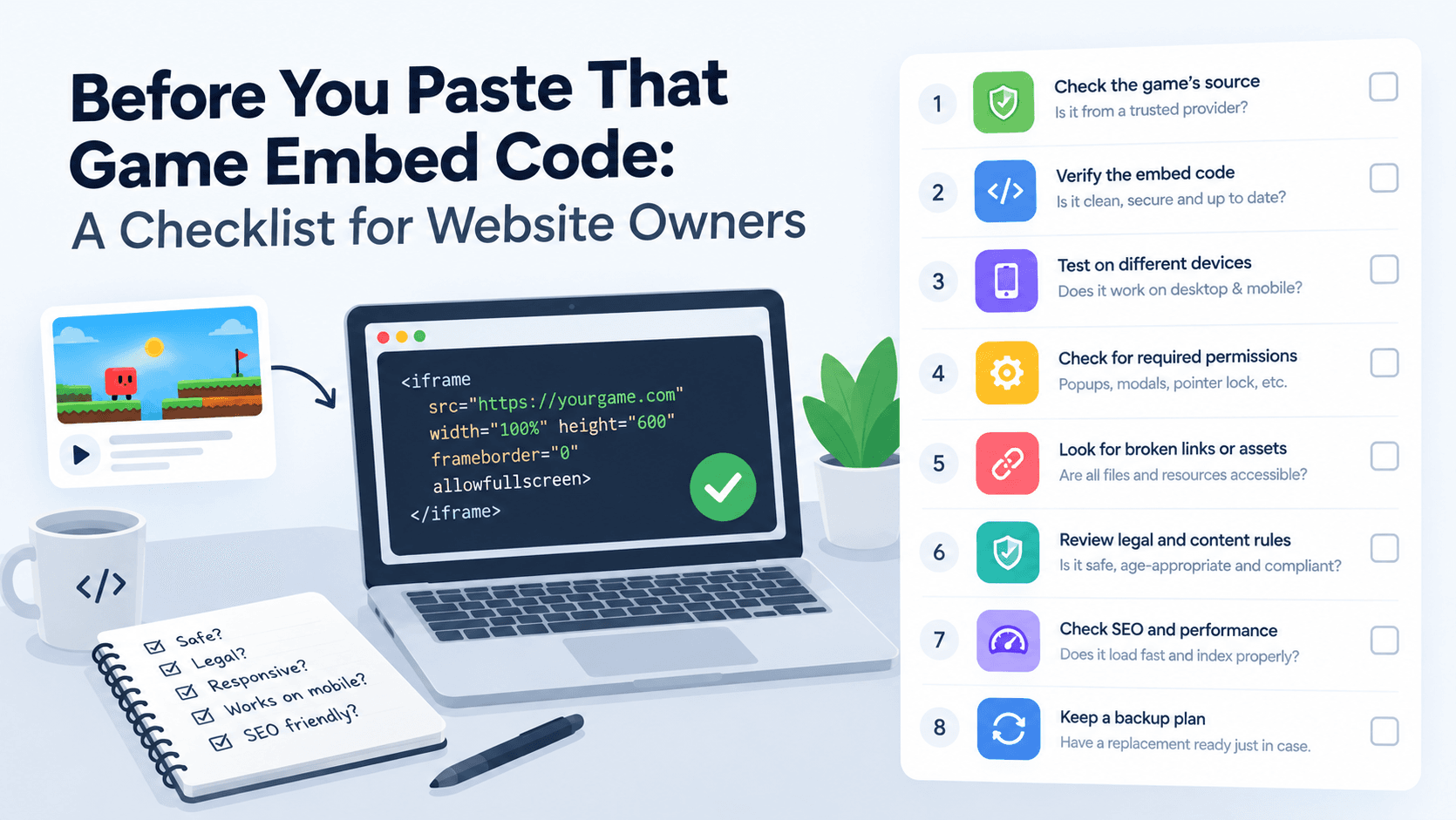
An iframe embed code is a few lines of HTML, easy enough to paste in under a minute. That speed is exactly why it's worth slowing down for a moment first, since a bad embed is just as easy to add as a good one.
Do You Actually Have Permission to Embed It?
Not every game that technically loads in an iframe is meant to be embedded freely. Some providers require written permission, a partner agreement, or explicit terms for commercial use, especially if your site runs ads or generates revenue around the embedded content. "It loaded when I tried it" isn't the same as "I'm allowed to use it."
What's the Ad Behavior Inside the Game?
Check whose ad network is actually running inside the game you're embedding, and how it behaves. Does a click inside the game open a new tab unexpectedly? Are the ads inside the frame from a network your own site's ad policy would be fine sitting next to? You're partly responsible for what shows up on your page, even if it's coming from someone else's server.
Is the Source Actually Reliable?
An embed only works as long as the source stays up and the URL stays valid. Before relying on a specific game long-term, check for basic signs of a maintained, real source: does the site have contact information, does it look actively run, is there any indication it could disappear without notice.
Will It Actually Slow Down Your Page?
An iframe loading a heavy game can meaningfully hurt your page's load performance, which affects both user experience and search ranking through Core Web Vitals. Test the embed on a real page and check load time before and after, don't assume it's lightweight just because it's "just an iframe."
A Fast Pre-Embed Checklist
- Confirmed you're allowed to use it, ideally in writing for commercial sites.
- Checked the ad network and behavior running inside the frame.
- Verified the source looks actively maintained, not abandoned.
- Measured the actual load-time impact on a real page.
Try the checklist on a real example. Start the game below and watch what happens around the frame: games can show PlayKovo promotions or third-party ads inside the frame, and under PlayKovo's partner terms you cannot block, hide or replace them.
Try it live · PlayKovo catalog
A free, browser-based multiplayer dogfighter set in a Minecraft-inspired voxel world. Two teams, planes, tanks, and ships, one golden ring to fight over.
A Simpler Starting Point
Checking all of this manually for every game gets old fast if you're adding more than one or two. A catalog built specifically for partner embedding, like PlayKovo's, handles the licensing question directly since the games are explicitly made available for embedding through the partner program, rather than leaving you to figure out permissions game by game.
FAQ
Do I need permission to embed a free game on my website?
Often yes, especially for commercial use. Not every game that loads in an iframe is licensed for embedding on other sites, so check the specific terms rather than assuming.
How do I know if a game embed will slow down my page?
Test it directly, load the page with and without the embed and compare, rather than assuming an iframe is automatically lightweight.
What should I check about ads inside an embedded game?
Which network is serving them and how they behave, including whether clicks open unexpected new tabs, since that ad behavior reflects on your site too.
Is there a source where embedding is explicitly permitted?
Yes, PlayKovo's partner catalog is built specifically for site owners to embed games, so the permission question is addressed by design.
Final Thoughts
A quick licensing, ad, reliability, and speed check takes a few minutes and avoids problems that are much more annoying to fix after a game's already live on your site. If you'd rather skip that vetting process entirely, PlayKovo's embed catalog is built around games that are already cleared for exactly this.
Related Posts

How to Choose the Right HTML5 Games for Your Website's Audience
A five-criteria scoring system for picking embeddable HTML5 games that fit a news site, blog, game portal or community, with a worked example using real PlayKovo catalog games.
A Curated 20-Game Starter Library for a New Arcade Website
Twenty embeddable HTML5 games from the PlayKovo catalog, balanced across puzzle, casual, arcade, action and sports, with controls, device support and publishing notes for each.
How to Compare Free HTML5 Game Catalog Providers Before Embedding
An independent checklist and scoring grid for comparing HTML5 game catalog providers, applied to PlayKovo, Playgama and GameMonetize using only what each publishes.