How to Add an Automatically Updated Game Catalog to Your Website
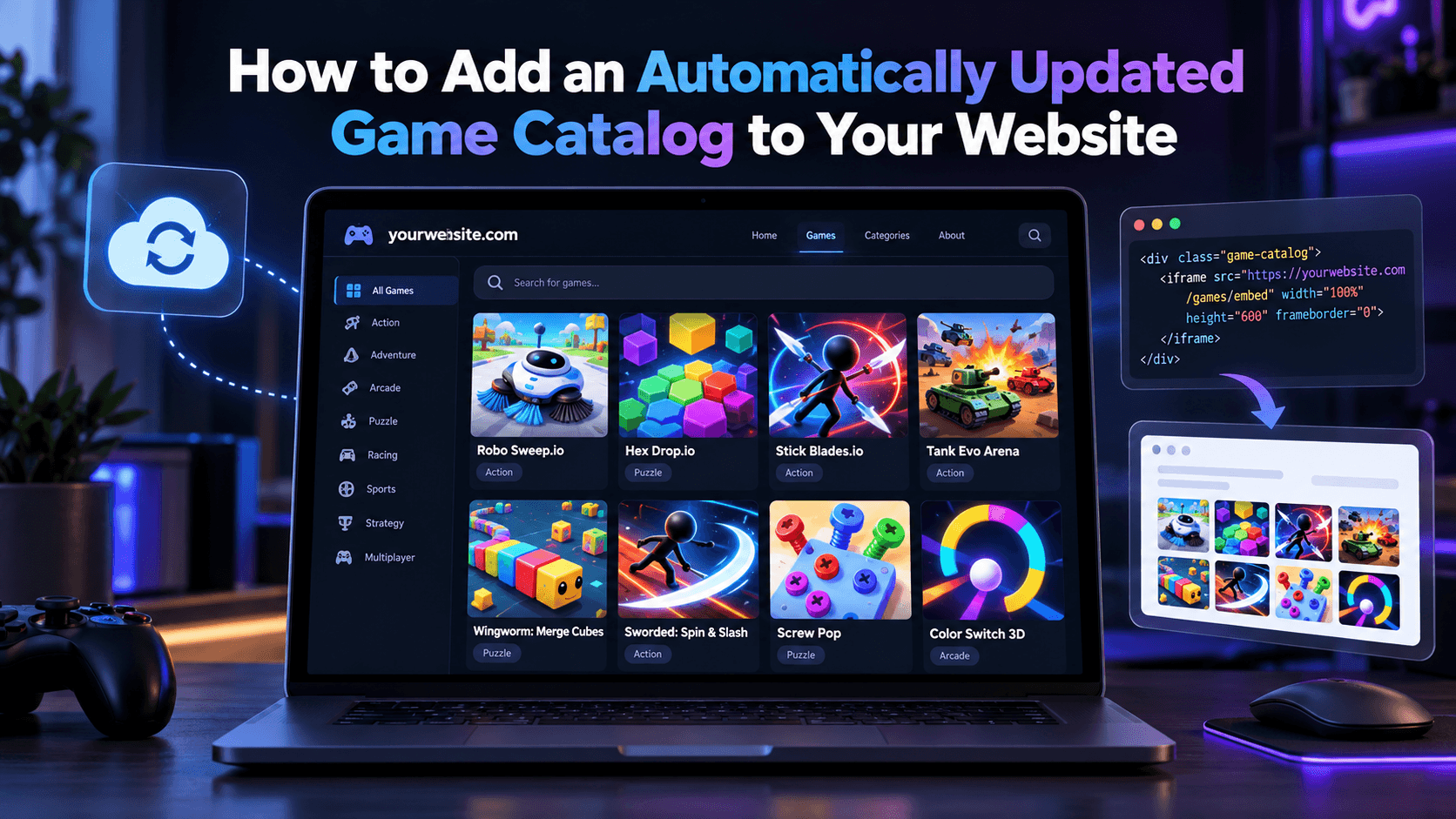
A games page is only useful if it keeps changing. If you add ten games by hand and then never touch the page again, returning visitors see the same thing every time. An automatically updated catalog solves this: new games appear, removed games disappear, and you do not have to edit anything. This guide explains the main approaches and how to pick one.
What "automatically updated" really means
There are two kinds of updates to think about:
- Catalog updates. The list of available games grows or changes.
- Game updates. An individual game gets a fix or new content.
Embedding games by iframe already handles the second kind, because the game is loaded from the provider each time. The catalog is the part you have to plan for.
Option 1: A hosted catalog page
Some providers give you a ready-made page or widget that shows a grid of games. You paste a snippet once, and the provider controls what is inside.
- Pros: Almost no setup, nothing to maintain, always current.
- Cons: Limited control over design and which games appear.
This is the best choice if you want a games section running in an afternoon, for example on a blog or a small news site.
Option 2: A feed you load on your own site
If the provider offers a data feed, usually JSON, your site can fetch the list and render it with your own design. A simple version looks like this:
- Fetch the feed on the server on a schedule, for example once an hour.
- Store or cache the result.
- Render a grid of thumbnails and titles, each linking to a game page that holds the iframe.
Caching matters. Do not call the feed on every page view, because that slows your site and may break the provider's usage rules. Refreshing every few hours is plenty for most sites.
- Pros: Full control over layout, filters, and SEO.
- Cons: Needs some development work and a place to run scheduled code.
Option 3: Manual curation with a regular routine
You can also pick games yourself and add a few every week. This is not automatic, but it gives the best quality because you choose what fits your audience.
- Pros: Highest quality, no technical setup beyond embedding.
- Cons: It depends on you keeping the habit.
Many site owners combine options: automatic updates for the bulk of the catalog, plus a hand-picked "Featured" row at the top.
The cards below show the feed approach in practice. Their titles, artwork and device badges are read from PlayKovo's public feed, so if a game is added to or removed from the feed, these cards change without anyone editing this article.
Try it live · PlayKovo catalog
Shoot shapes, gain XP, level up, and evolve your tank into 19 powerful classes. Enter fast arena battles, defeat enemies, and dominate the field!
Run, jump and push across falling hexagon floors, solo or in teams. Every tile drops after you step on it. Be the last one standing!
How to choose
Ask yourself three questions:
- How technical is your site? On a no-code platform, use a hosted widget. On a custom site, a feed gives more control.
- How much does design matter? If the games section must match your brand, build it yourself.
- How much time can you spend each week? If the answer is none, go fully automatic.
Things to get right whatever you choose
- Handle removed games. A game can disappear from the catalog. Make sure your site does not keep linking to a dead page.
- Give every game its own page. A page per game with a title and short description helps search engines understand your content.
- Keep loading fast. Use lazy loading for thumbnails and load the iframe only on the game page.
- Check the terms. Read the provider's rules about caching, attribution, and ads before you launch.
Next steps
Start small: add one hosted widget or a handful of embedded games, watch which ones your visitors actually play, and expand from there. If you need a source of free HTML5 games to start with, take a look at PlayKovo.
Related Posts
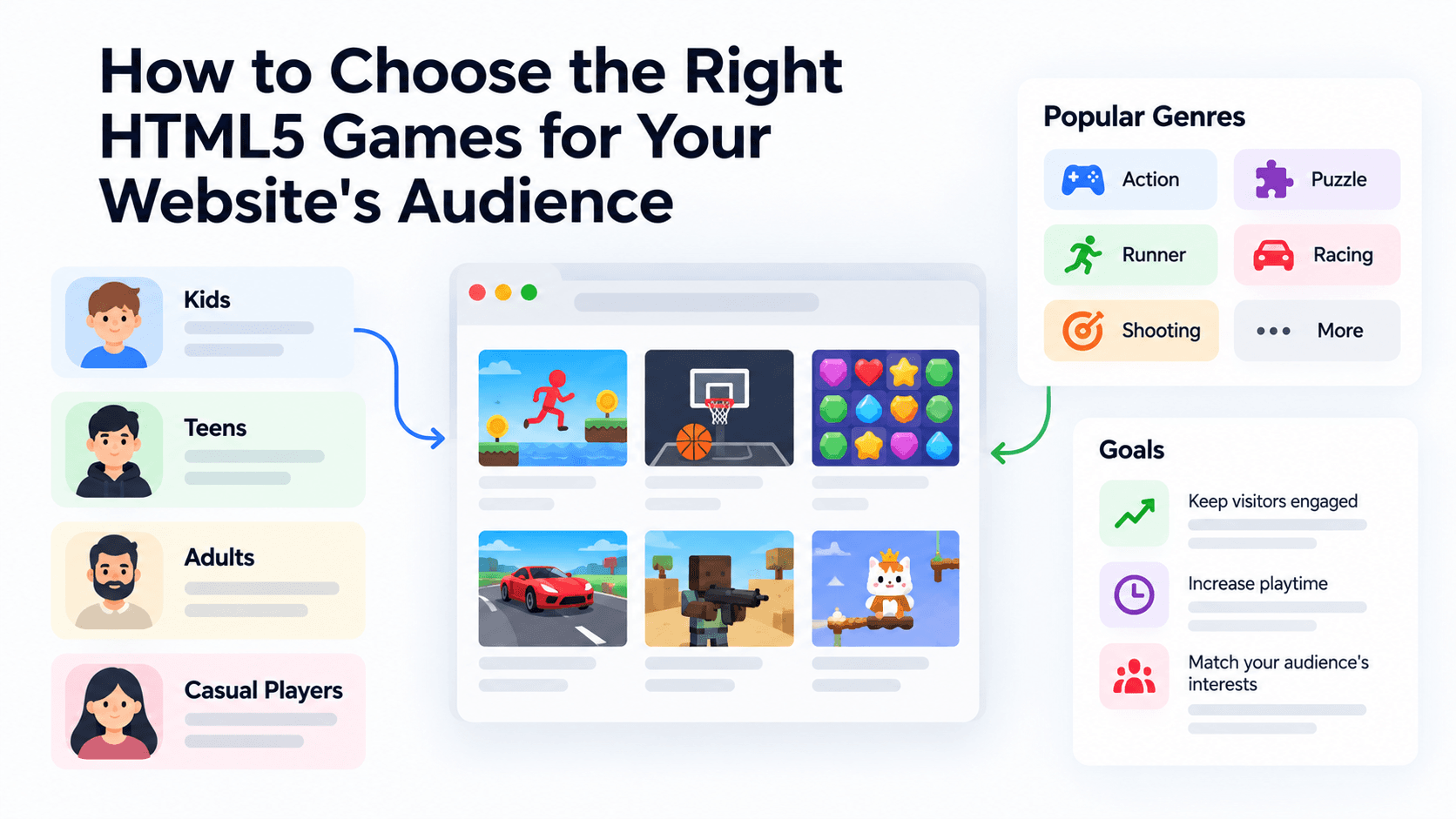
How to Choose the Right HTML5 Games for Your Website's Audience
A five-criteria scoring system for picking embeddable HTML5 games that fit a news site, blog, game portal or community, with a worked example using real PlayKovo catalog games.
A Curated 20-Game Starter Library for a New Arcade Website
Twenty embeddable HTML5 games from the PlayKovo catalog, balanced across puzzle, casual, arcade, action and sports, with controls, device support and publishing notes for each.
How to Compare Free HTML5 Game Catalog Providers Before Embedding
An independent checklist and scoring grid for comparing HTML5 game catalog providers, applied to PlayKovo, Playgama and GameMonetize using only what each publishes.