How to Build an Auto-Updating Free Games Catalog Page With a JSON Feed
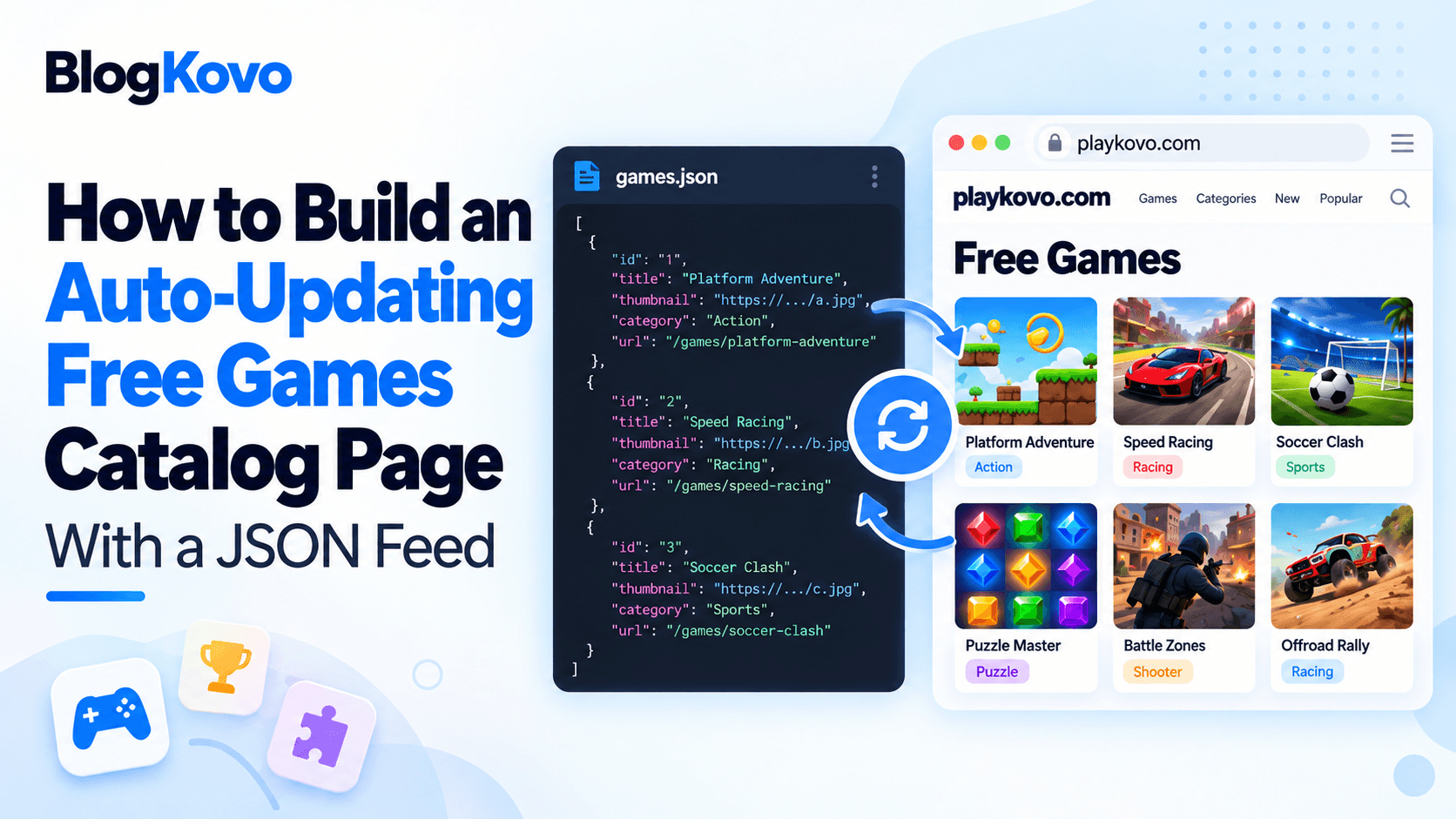
A games page with two or three titles is easy to maintain by hand. A games page with fifty is a different problem, and hardcoding embed codes for each one means every addition or removal is a manual edit to your site. A JSON feed solves that by moving the game list out of your code entirely.
What a Games Feed Actually Contains
A feed built for this purpose is typically structured data listing, per game, a title, category, thumbnail image, the embed URL itself, and device support (desktop, mobile, or both). Your page doesn't store any of this directly, it fetches the feed and builds the catalog from whatever it currently contains.
The Basic Approach
At a conceptual level, the page does three things: fetch the feed data from its URL, loop over the list of games it contains, and render a card or tile for each one, using the thumbnail, title, and category from the feed, with the embed URL wired into the iframe or a click-through to open it. None of this is complicated individually, it's standard data-fetch-and-render, the same pattern used for rendering any list of items from an API.
Why This Beats Hardcoding
- New games appear automatically. Once a game is added to the source feed, it shows up on your page without you editing anything.
- Removed games disappear automatically. The reverse is also true, no dead embed codes lingering on your site for a game that no longer exists.
- One source of truth. The feed defines what's live, rather than your page's markup and the actual game list slowly drifting out of sync over time.
Where to Get a Feed Instead of Building One
Compiling a feed of licensed, working games from scratch is its own project. PlayKovo's catalog lets you select the specific games you want and download a JSON feed of just those, with the embed URLs and device support already filled in, rather than building and maintaining the underlying data yourself.
These cards are rendered from exactly this kind of feed: each title, artwork and device badge is data, not hand-written markup. Start one to see the embed URL from the same record in action.
Try it live · PlayKovo catalog
Shove your rivals off a shrinking sumo platform in this fast and funny .io brawler. Bump, dash and outsmart the crowd to be the last fighter standing, then spend your coins on hats and…
Explore a dreamlike world of floating pastel islands, ring the wind chimes in order, and glide between the clouds.
A Note on Caching
Fetching the feed fresh on every single page load adds unnecessary requests. A reasonable middle ground is caching the feed data for some period, minutes to hours depending on how often your selection changes, so the page stays fast while still picking up updates regularly rather than instantly.
FAQ
What's the advantage of a JSON feed over hardcoded embed codes?
The catalog page updates automatically when the source feed changes, no manual edits needed to add or remove games.
What information does a typical games feed include?
Usually a title, category, thumbnail, the embed URL, and device support per game.
Do I need to build my own feed of games?
Not necessarily, PlayKovo's catalog lets you select games and download a ready JSON feed instead of compiling the data yourself.
Should I fetch the feed on every page load?
Caching it for a reasonable period is usually better, it keeps the page fast while still reflecting updates regularly.
Final Thoughts
A JSON feed turns a games catalog from something you maintain by hand into something that maintains itself. If you're building a real games section rather than embedding one or two titles, it's worth setting up from the start instead of retrofitting it after your hardcoded list gets out of hand.
Related Posts
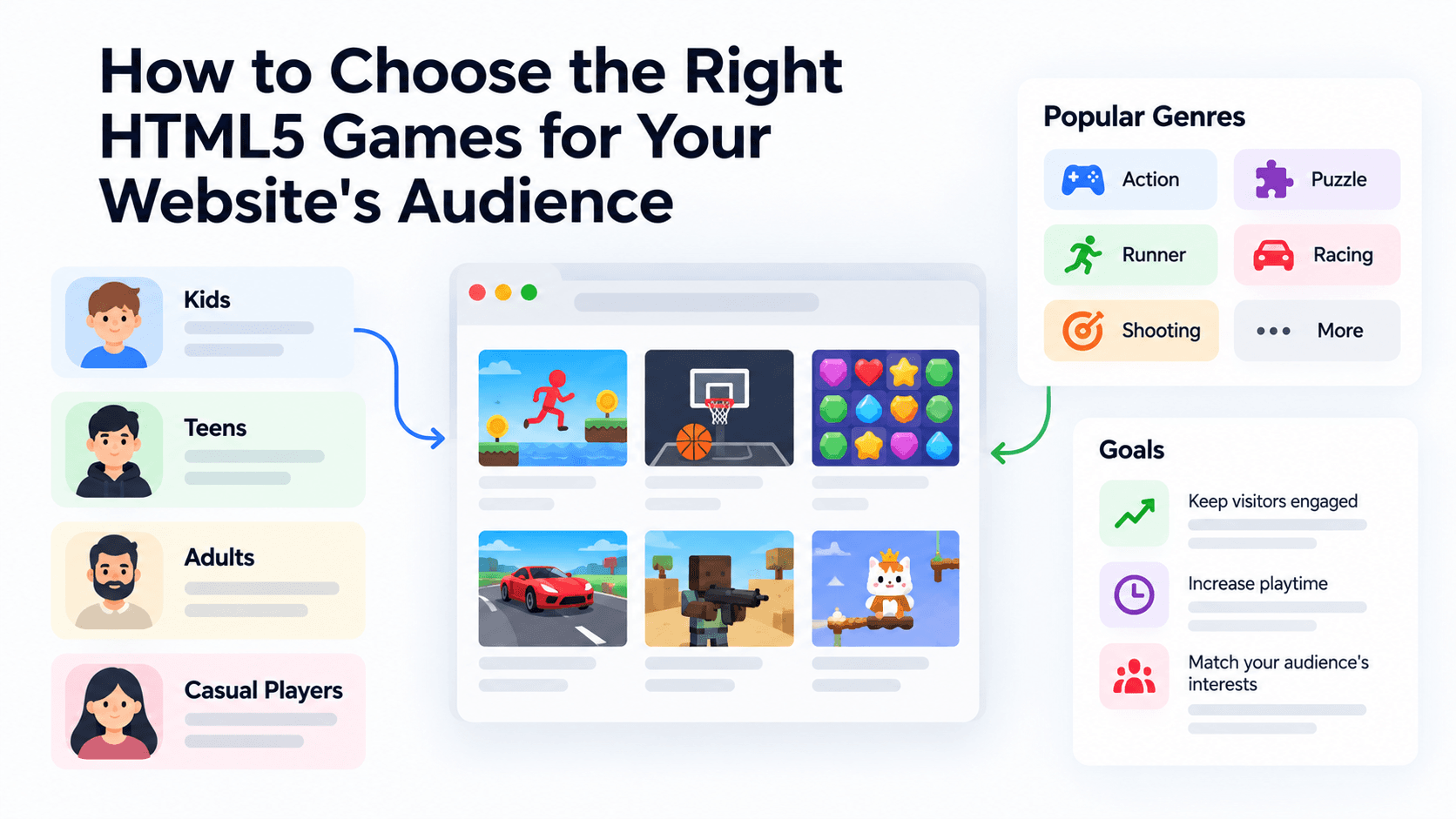
How to Choose the Right HTML5 Games for Your Website's Audience
A five-criteria scoring system for picking embeddable HTML5 games that fit a news site, blog, game portal or community, with a worked example using real PlayKovo catalog games.
A Curated 20-Game Starter Library for a New Arcade Website
Twenty embeddable HTML5 games from the PlayKovo catalog, balanced across puzzle, casual, arcade, action and sports, with controls, device support and publishing notes for each.
How to Compare Free HTML5 Game Catalog Providers Before Embedding
An independent checklist and scoring grid for comparing HTML5 game catalog providers, applied to PlayKovo, Playgama and GameMonetize using only what each publishes.